Physical Address
304 North Cardinal St.
Dorchester Center, MA 02124
Physical Address
304 North Cardinal St.
Dorchester Center, MA 02124
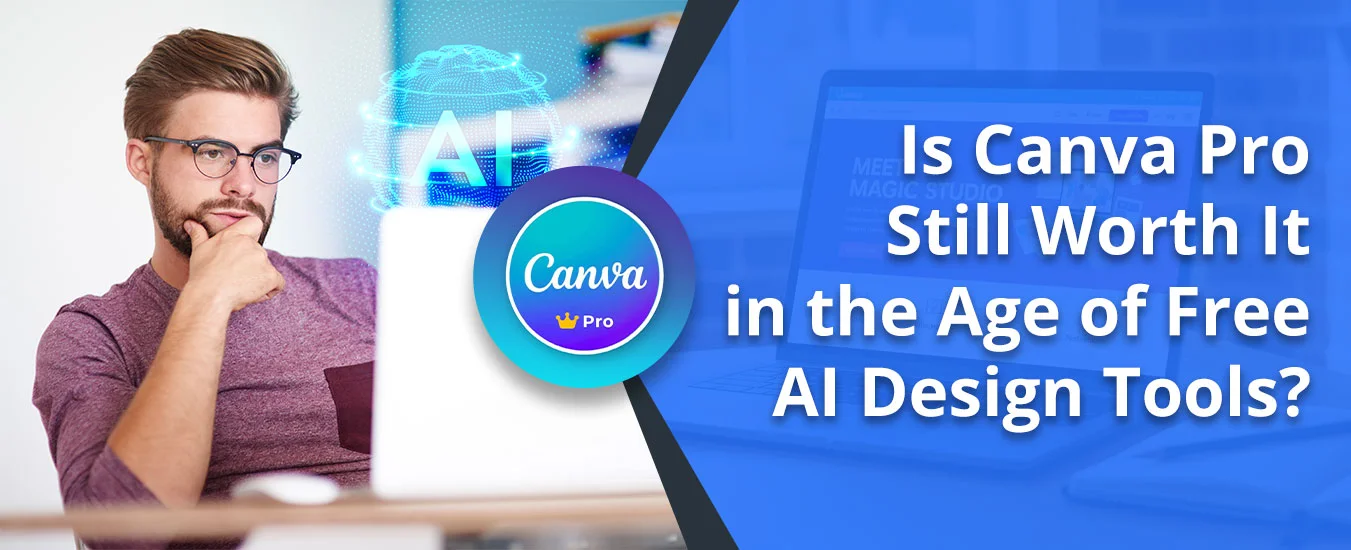
Still paying for Canva Pro in 2026? Here’s the real question: free AI tools make images fast, but does Canva still deliver when you need to actually use those designs?
Canva Pro isn’t just about generating pictures — it’s the complete workflow of creating, editing, resizing, organizing, and shipping branded content that actually works for your business or blog.
AI image generation exploded in 2024-2025, making it easy for anyone to create visuals from text prompts. There are several tools, such as Adobe Firefly, Midjourney, and ChatGPT, that now produce high-quality images and social graphics quickly.
But image generation is just one step. Beginner or mid-level creators still need tools for editing, resizing, brand consistency, and publishing — which is where Canva Pro still competes with various free AI design tools.
Here is the capability of free AI Design tools:
| Feature | Canva Pro | Free AI Tools |
|---|---|---|
| Templates | 140M+ premium assets and templates | Limited templates |
| AI Image Generation | Yes (Magic Media) | Yes |
| Brand Kits | Up to 1000 Brand Kits | Usually not available |
| Workflow tools | Brand kit, resizing, export, scheduling, collaboration, storage | Mostly generation and basic editing |
| Best for | Creators, marketers, freelancers, and small teams | Fast image generation and quick visual ideas |
Note: Tool replacement value depends on your workflow. Check Canva’s current pricing page for exact details (May 2026).
Yes, Canva Pro still makes sense for people who create branded content regularly. Its main value is not just AI image generation, but the time saved through templates, brand controls, editing tools, exports, and collaboration.
With Canva Pro, you get access to a much larger premium template library, which is useful when you publish social posts, presentations, and repeatable brand content every week.
Canva Pro gives you access to premium assets that reduce the need to hunt for separate stock images, graphics, and design elements. That matters when speed and consistency are more important than starting from scratch.
Canva Pro makes it easier to reuse designs, export in more formats, and keep master versions separate from client or campaign edits. That is useful when you manage multiple assets for the same brand.
Brand Kits help you keep logos, brand colors, fonts, and other identity assets in one place. Canva’s pricing page lists up to 1000 Brand Kits, which is valuable if you manage multiple brands or clients.
Canva Pro also includes AI-assisted features such as Magic Studio tools, which help with copy, image edits, and quick design variations. These features are useful when you want faster production without leaving the design workspace.
In 2026, the better question is whether Canva Pro replaces enough separate tools to justify the subscription.
| Feature | Canva Pro ($120/yr) | Free AI Alternative | Tool it may replace |
|---|---|---|---|
| Stock Assets | 140M+ Premium Items | Pexels/Unsplash (Limited) | May replace separate stock tool |
| AI Photo Editing | Magic Eraser, background removal | Fotor/Cleanup.ai (Paid tiers) | May replace basic editing tool |
| Social Scheduling | 8+ Platforms Included | Buffer or Hootsuite | May replace scheduling tool |
| Cloud Storage | 1TB Secure Storage | Google One (Paid) | May replace basic storage |
| TOOL CONSOLIDATION VALUE | $120/year | Multiple separate tools | Potential workflow savings |
Note: Tool replacement value depends on your workflow. Check Canva’s current pricing page for exact details.
Check the basic and advanced Canva plans’ features:
| Category | Canva Free | Canva Pro |
| Templates/Assets | Free templates and limited free assets; some premium items are locked | 140M+ premium (no watermarks), crown-icon for items |
| AI Tools (Magic Studio) | Limited AI features compared with Pro | Broader AI-assisted tools for design, editing, resize, and copy support |
| Background Remover | Manual and Basic AI | One-click (images + video), Magic Eraser |
| Storage/Folders | Limited storage compared with Pro | 1TB, 5K designs/folder |
| Brand Kit | Basic brand settings | 1,000 kits (logos/fonts/colors/voice), approvals |
| Resize/Export | Manual, limited formats (no SVG/CMYK PDF) | Magic Switch (auto all platforms), transparent PNG/SVG |
| Collaboration | Real-time basic | Team folders, approvals, scheduling |
| Other Pro | Basic insights | Priority support, sound effects, and other premium extras |
| Pricing | $0 | Check Canva’s current pricing page for the latest Pro rate |
Now, you must be thinking which type of creators (beginner or Advanced) need Canva, and how it helps. Get the understanding of this from the section below.
Casual users who make occasional social posts, invitations, or simple graphics can usually stay on Canva Free. They often do not need the extra workflow tools or brand-management features in Pro.
Although you may see the watermark on images, it is sufficient for non-commercial usage.
If you run a business, publish content often, or manage client branding, Canva Pro is easier to justify because it saves time across repeated design tasks.
Canva Pro works best for small businesses, bloggers, freelancers, and social media managers who create content regularly.
Canva stands out for its ability to create, edit, and store images better than AI design tools. Check the clear difference below:
| Aspect | Canva Pro | Adobe Express Premium | Microsoft Designer (Copilot Pro) | Figma Professional | Midjourney Standard |
|---|---|---|---|---|---|
| Pricing (Monthly, USD) | $15/mo or $120/yr | $9.99/mo | $20/mo | $16/user/mo (annual) | $30/mo (Discord) |
| Core Features | 140M+ premium templates/assets, Magic Studio AI (text-to-image/video, resize, edit), video editor, animations, brand kits, 1TB storage | 350k+ templates, AI credits (250/mo limit), Photoshop integration, animations | AI image gen/restyle (15 boosts/day free; unlimited w/Pro), templates for social/invites | Vector UI/UX design, prototyping, components, FigJam boards | AI image/video gen (15h fast GPU, unlimited relax), style tuner, 3D export |
| Usage/Target | All-in-one for marketers/creators: social graphics, presentations, videos, blogs; drag-drop simplicity | Quick edits/social content w/Adobe ecosystem | AI-first social/event graphics; Microsoft 365 integration | Pro UI/UX teams: prototypes, design systems | AI art generation via Discord/web |
| Collaboration | Real-time editing, teams/approval, shared folders | Real-time co-editing (Teams plan) | Basic sharing | Advanced real-time, branching | Community via Discord |
| Best For | Content creators needing fast, comprehensive output | Adobe users | Quick AI visuals | UI/UX pros | Artists |
Several AI tools are strong at image generation, but most do not replace Canva Pro’s full design workflow.
Adobe Express Free: Powered by Adobe Firefly, Adobe Express is a wonderful option to edit or remove objects and is easy to resize. The tool has generative AI support, which makes it users’ first choice.
Visme: Ideal choice for data visualization, professional presentation, and infographics. Just a simple prompt is required in this to generate templates of your choice.
Pixlr: The tool is browser-based and works to remove background from an image, is equipped with generative AI, and is user-friendly.
Microsoft Designer: This tool is ideal for normal users who can write a prompt for a social media and marketing tool.
Figma: Figma offers free AI features for UI/UX design and prototyping. It’s also for generating layouts for app or web designers.
Midjourney / DALL-E 3: Creates high-quality visuals using AI’s image generator.
Here we show you the real use case of Canva Pro and some AI design tools. This example shows how Canva can outperform several AI design tools in workflow efficiency.
When I tested Canva Pro for daily blog graphics, the main advantage was not just image creation. The bigger gain was being able to build, resize, edit, and reuse content in one place without switching tools.
By comparison, many AI-first tools are weaker when you need repeatable layouts, exports, and design consistency across multiple assets.
That is where Canva Pro becomes more practical than most free AI tools:
Here, I got unlimited templates, downloads, and more than sufficient storage.
For example, if you need a blog banner, Pinterest pin, and Instagram post from the same base idea, Canva Pro is easier because you can adapt one design into multiple sizes quickly.
Canva Pro is not the best choice for advanced photo retouching, complex vector illustration, or professional UI/UX design workflows. Its strength is speed, consistency, and convenience for branded content production.
The main takeaway is simple: free AI tools are great for quick image generation, but Canva Pro is still more useful when you need a complete workflow for branded, repeatable, and publish-ready content. If you create content regularly, Canva Pro is easier to justify; if you only make occasional graphics, Canva Free or a free AI tool may be enough.
It depends on the task. Some AI tools are stronger for quick presentation generation or image creation, but Canva Pro is more versatile for everyday branded content.
If you regularly hit the limits of Canva Free during the trial, Canva Pro is usually worth it. Its value comes from brand kits, editing tools, resizing, collaboration, and more storage.