Physical Address
304 North Cardinal St.
Dorchester Center, MA 02124
Physical Address
304 North Cardinal St.
Dorchester Center, MA 02124
If the Instagram Restyle option is missing on one account but visible on another, the most common culprits are:
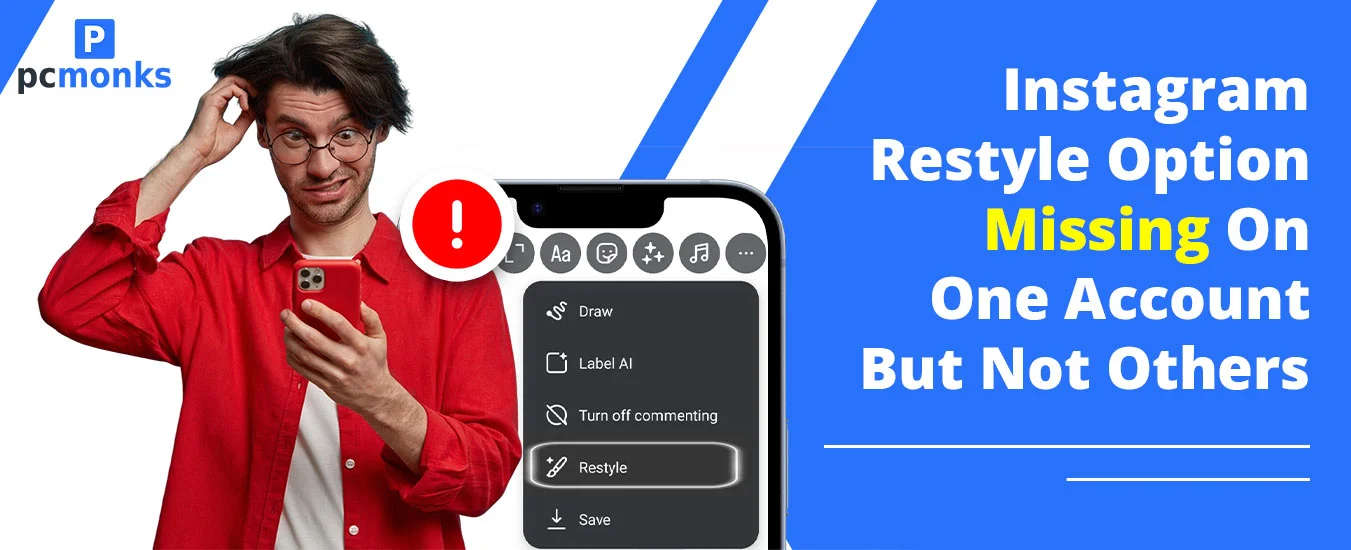
If you’ve been scrolling through your Stories editor and noticed a paintbrush icon in the upper-right corner — congratulations, you have access to the Instagram restyle feature. Instagram Restyle is an AI-powered editing tool that lets you modify photos and videos directly inside the Stories interface using text prompts or preset effects.
Restyle acts as an AI assistant that enhances your existing content rather than replacing it. Before its launch, Instagram’s built-in AI editing tools were only accessible through the standalone Meta AI chatbot. But, this changed after the arrival of restyle instagram.
The feature taps into Meta AI to help you tweak, enhance, or completely reinvent your visuals — all without leaving the app. Whether you’re polishing a selfie, erasing a photobomber, or turning your cat into a Parisian café dweller, Restyle gives users prompt-based creative control.
Where you find it: The Restyle button (a paintbrush icon) appears in the top-right corner of the Stories interface (editor) after you select a photo or video. For photos, you can add, remove, or change elements using a text prompt or choose one of the preset styles. For videos, you’ll find preset effects like Underwater, Snowstorm, or Fire and Flames.
We hear this exact scenario constantly: “My personal account has Restyle, but my brand account — on the same phone — doesn’t.” Or the reverse. Here’s the truth behind it.
Meta regularly tests new features on a small subset of accounts before pushing them globally. Two accounts on the same device can have completely different feature sets because they belong to different “test criteria.” This is standard practice across all major platforms — Instagram, TikTok, YouTube — and it can persist for weeks or months before a wider rollout happens. This is a common hurdle with most new releases; for instance, many users recently faced similar issues with the Instagram Blend feature not showing up in their DMs.
Instagram has three account types: Personal, Creator, and Business. Historically, Meta prioritizes Creator accounts when rolling out tools related to content production. If your Restyle-equipped account is a Creator account and the one missing it is a Business or Personal account, switching account types is one of the first fixes to try.
Running an older version of Instagram is a guaranteed way to miss new features. Always keep your app updated — both Android and iOS release updates frequently, and new AI features are often gated behind the latest build numbers. Additionally, some features appear on iOS before Android (or vice versa) due to platform-specific rollout schedules.
The Restyle tool is rolling out in the U.S. first, with the video editing option being less widely available than the still image feature. If your accounts are linked to different regions, email addresses, or phone numbers associated with different countries, one may be locked out pending a regional expansion.
Meta’s internal systems weigh account health, engagement history, and policy compliance when deciding who gets early access. Accounts with past strikes, low engagement, or recent suspicious login activity may be deprioritized in feature rollouts. An active, compliant Creator account in good standing is more likely to receive new tools early.
When you’re logged into multiple accounts simultaneously, Instagram’s feature flags don’t automatically sync. Each account is treated independently by Meta’s servers. Switching accounts does not transfer feature availability — each one must qualify on its own terms through the rollout pipeline.
Work through these in order. Most users find a fix within the first three steps.
New AI features like Restyle are exclusively tied to the latest app versions. After updating, force-close the app and reopen it.
Go to Settings → Account → Switch Account Type → Creator Account. Creator accounts are Instagram’s primary target audience for early AI feature access. This single change has unlocked Restyle for many users reporting the issue. You won’t lose followers or content during the switch.
Android: Go to Settings → Apps → Instagram → Storage → Clear Cache.
iPhone: There’s no native cache-clear; instead, offload the app via Settings → General → iPhone Storage → Instagram → Offload App, then reinstall. A fresh install often refreshes your feature flags from Meta’s servers.
Go to Settings → Log Out, wait 60 seconds, then log back in. This forces your account to re-sync with Instagram’s servers, which can pull in newly assigned features that haven’t yet appeared on your device.
On Android, go to the Instagram page in the Play Store, scroll down to “Join the beta,” and tap Join. Beta users receive experimental features before the general public. iOS users can join via TestFlight if Instagram’s beta slots are available. Note: beta builds can sometimes be less stable.
Restyle can appear in different locations depending on your version. Try accessing it from Stories, Reels editor, and the regular photo editing interface. Some users find it in one place but not others.
This is something we have tried and luckily got the results. So, you need to use the available “Help” option within your Instagram app. Here’s how to do it:
Open Instagram profile from the bottom and click the three horizontal lines.
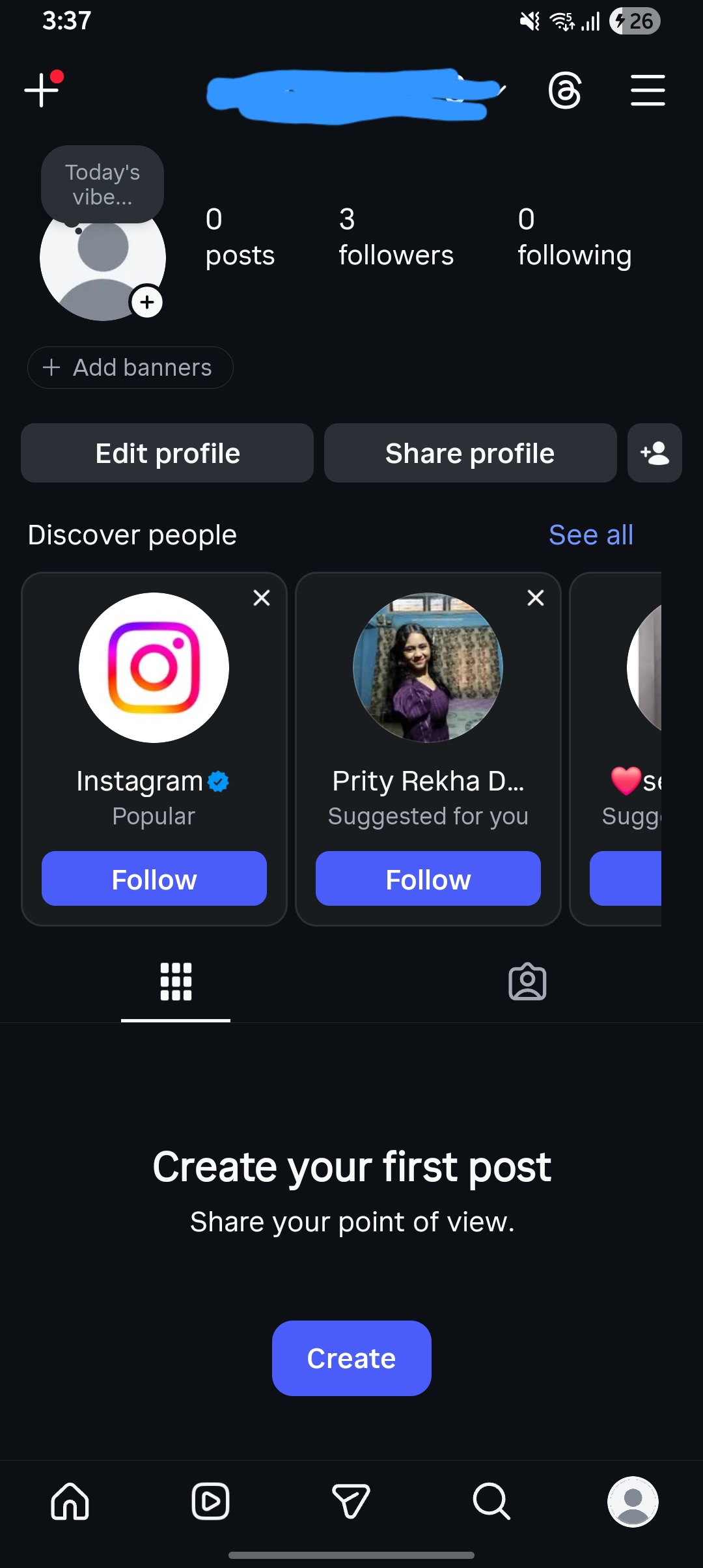
Scroll to the bottom and select “Help” option.
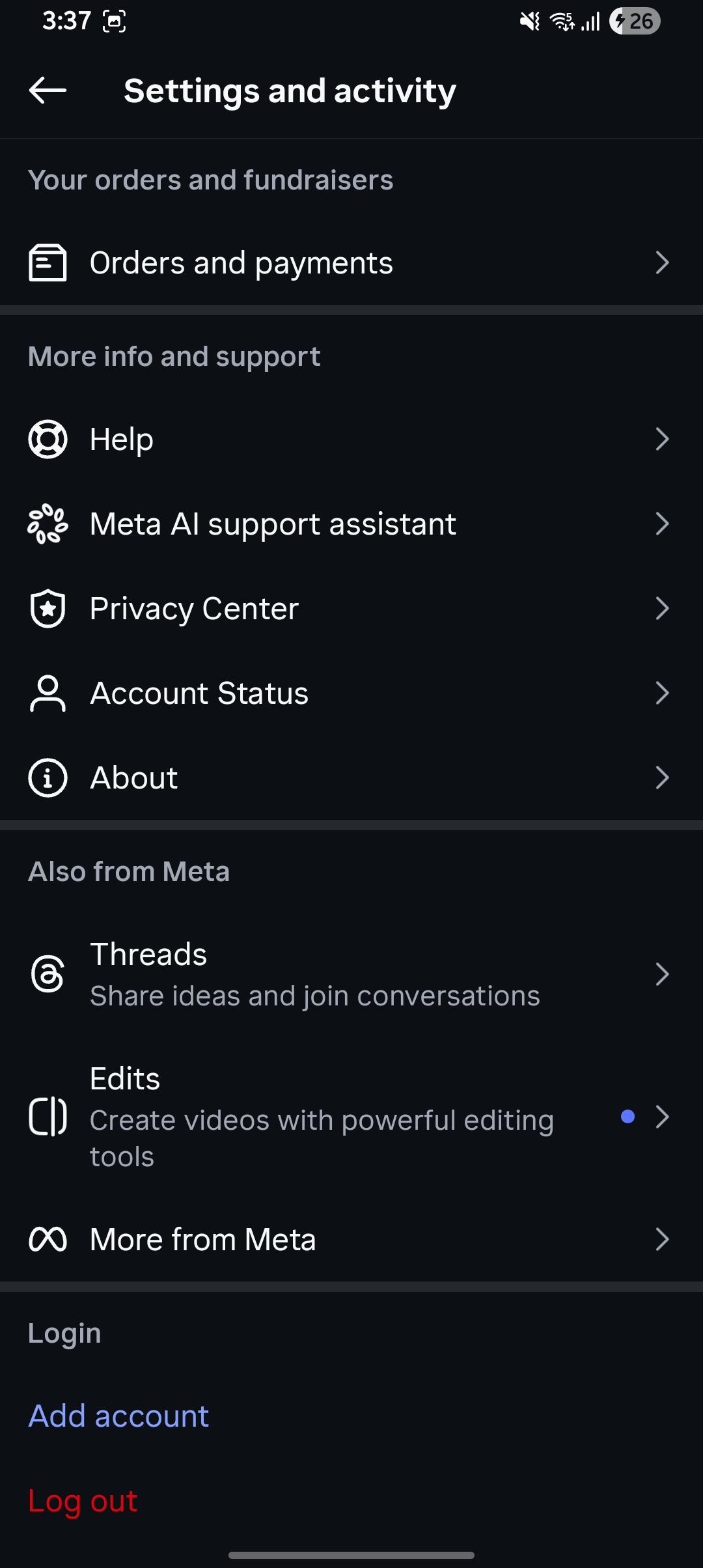
Tap “Report a problem” after you toggle off “Shake phoen to report a problem”
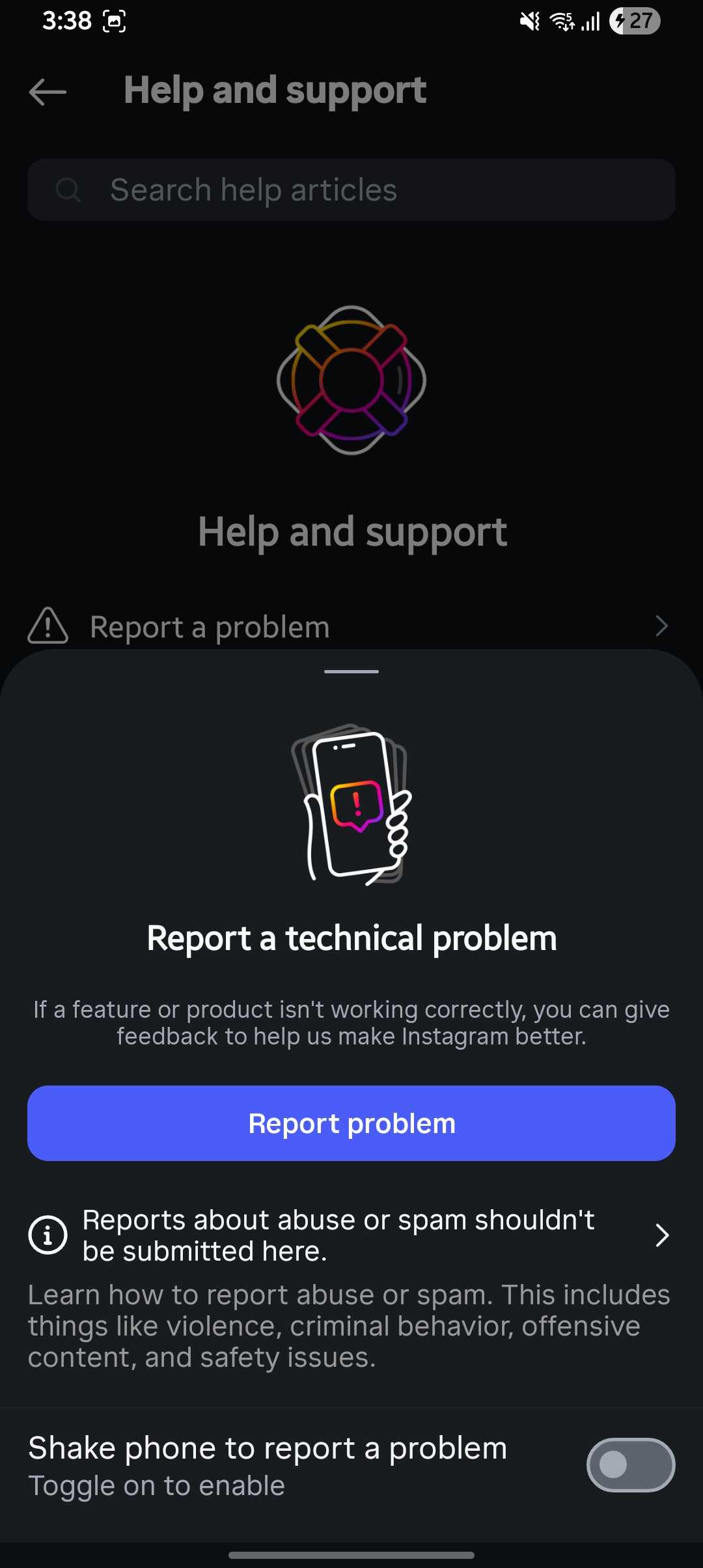
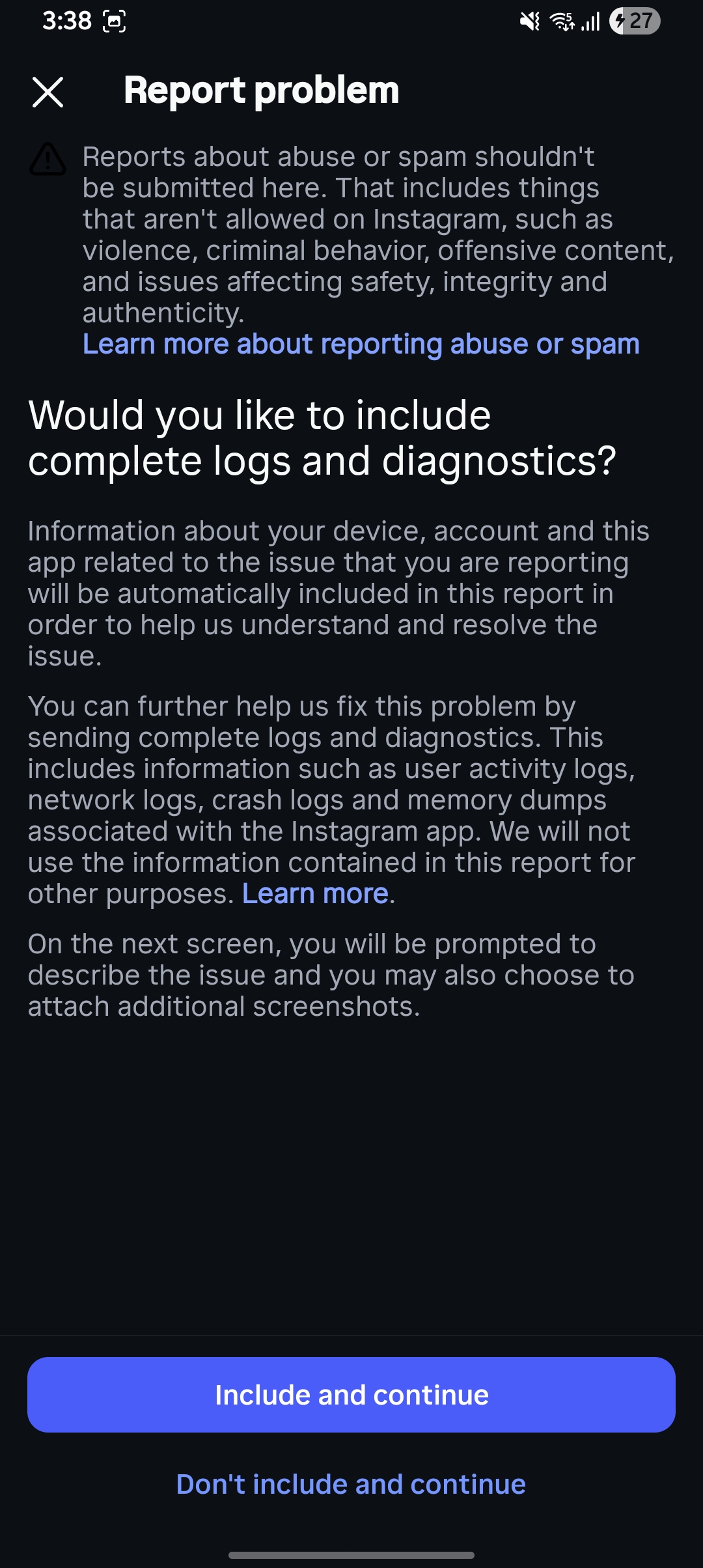
select report a problem and tap “include and continue”
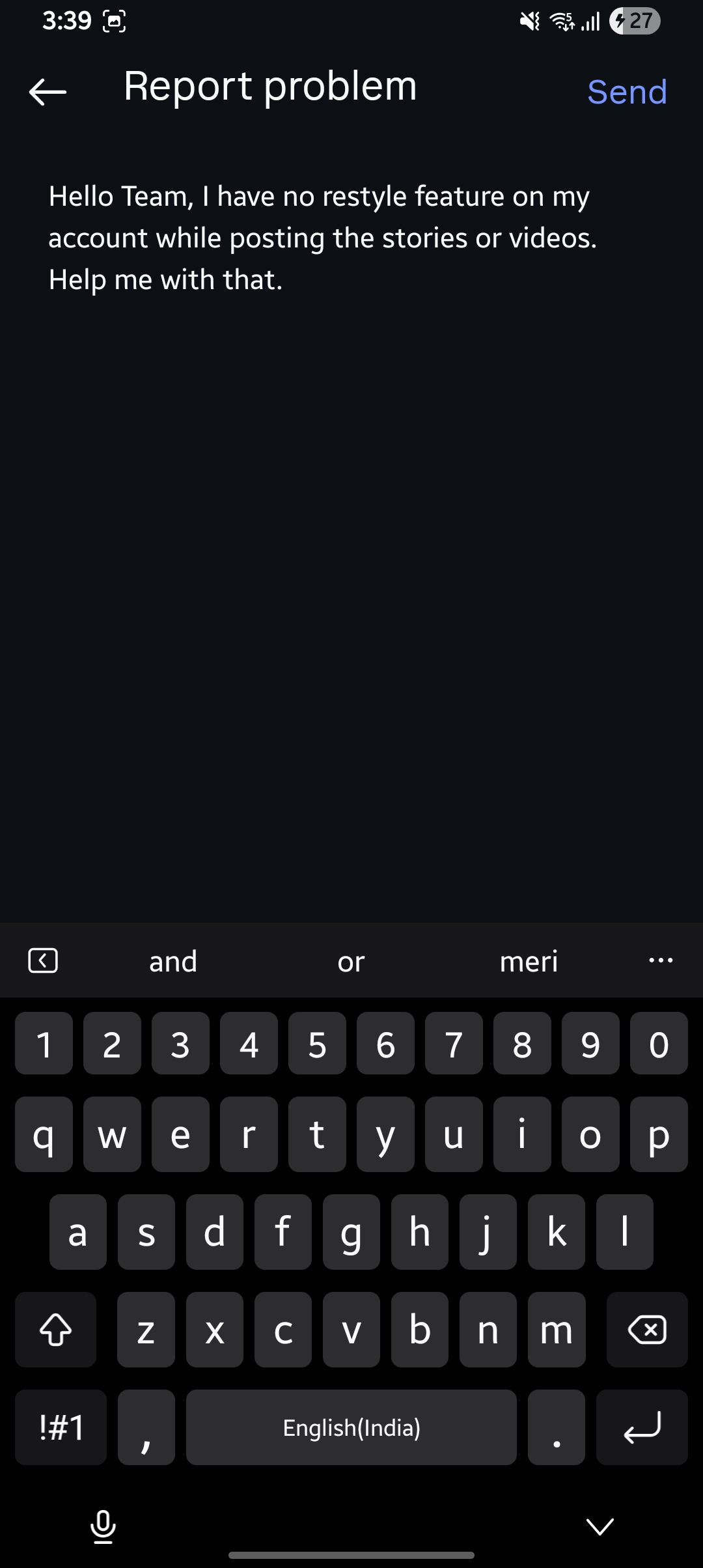
Describe the issue and tap the “Send” button.
If none of the above works, you may simply be outside the current rollout wave. Set a reminder to check again in 2–4 weeks. Meta’s AI feature rollouts typically go global within 1–3 months of the initial U.S. launch. There is no official waitlist or manual opt-in for most features.
Our editorial team has tracked Instagram rollout behavior across dozens of accounts. Here’s what consistently helps:
Queries that helps users with Instagram restyle:
Ans: The Restyle tool is a generative AI feature that is being rolled out gradually. You may not have it yet because it is currently limited to specific regions (primarily the US), specific device types, or is part of a phased release where not all users receive the update at the same time.
Ans: To use this feature, open the Instagram camera or select a photo from your gallery to post as a Story or Post. Look for the sparkle/AI icon at the top of the screen. Tap Restyle and type a prompt describing the new look or artistic style you want to apply to the image (e.g., “watercolor painting” or “cyberpunk style”).
Ans: Try these steps to restore missing tools:
Ans: Instagram often conducts “A/B testing,” where new features are assigned to specific accounts rather than the device itself. One of your accounts might be part of a test group while the other is not. Additionally, professional or creator accounts sometimes receive different features than personal accounts.