Physical Address
304 North Cardinal St.
Dorchester Center, MA 02124
Physical Address
304 North Cardinal St.
Dorchester Center, MA 02124

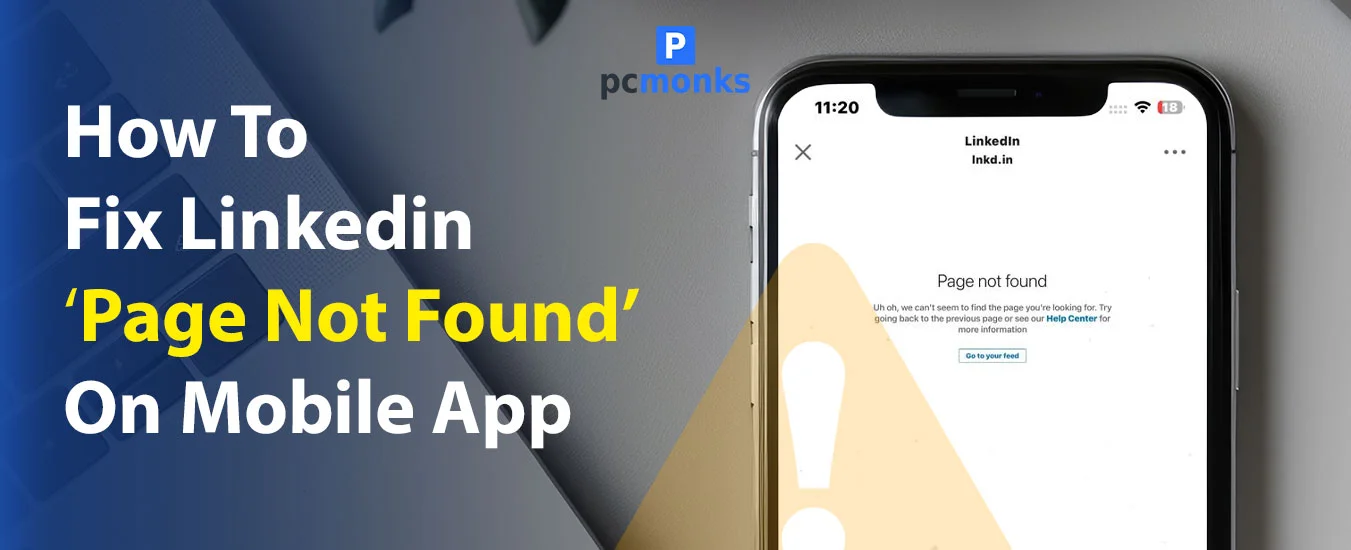
This is one of the frustrations that LinkedIn users suffer from once in a while. Suddenly, when you open your LinkedIn and the “Page Not Found” screen appears on mobile, your mind gets stuck wondering what it is and why it happened.
As per the attached screenshots from many legitimate sources, they all answer the same query to resolve these issues, and most of the time it works — I’ve seen it!
Here’s the quick common fix that all these platforms commonly stated:
“To fix the LinkedIn ‘Page Not Found’ error on the mobile app, the most effective steps are updating the app, clearing its cache/data, and reinstalling it. If the issue persists, check LinkedIn’s server status to rule out outages.
If your issues still persist, then you can fully reinstall the app, force close it and restart your phone, and switch networks (Wi-Fi to data). Boom! It can now completely fix the issue for you.”
However, most of the time, these steps are effective and work to solve such issues.
But what if these steps don’t work for you?
Well, that’s why this blog is curated to explain these issues and provide more legitimate options.
Before that, let’s check these screenshots one by one.
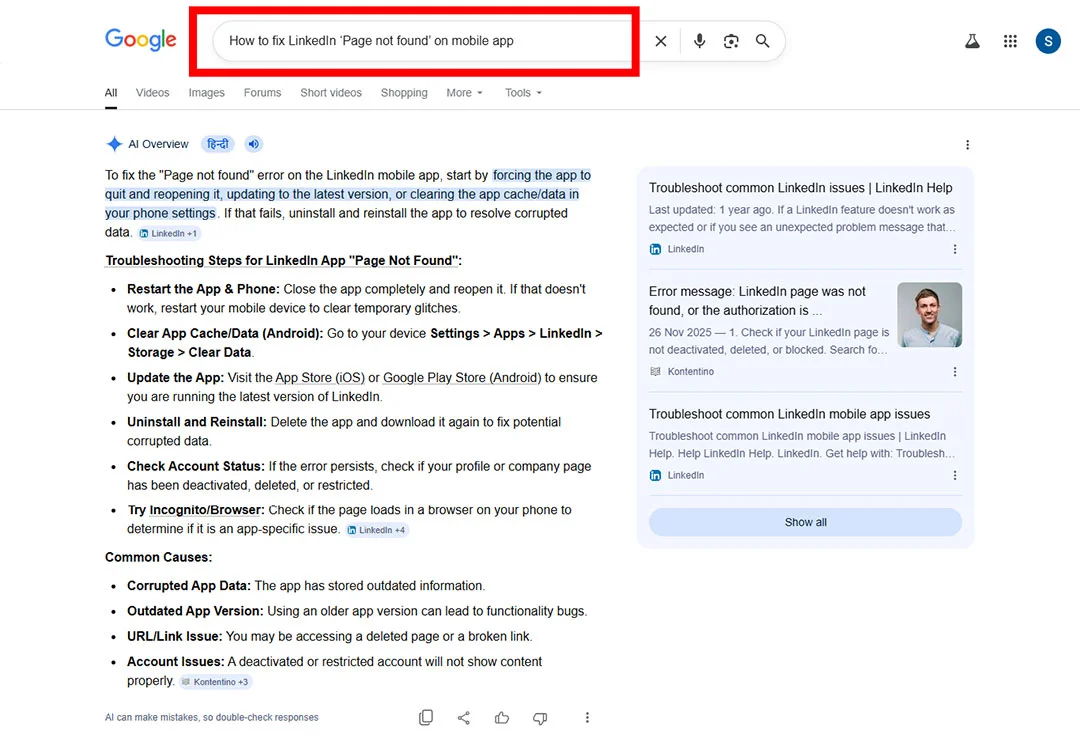
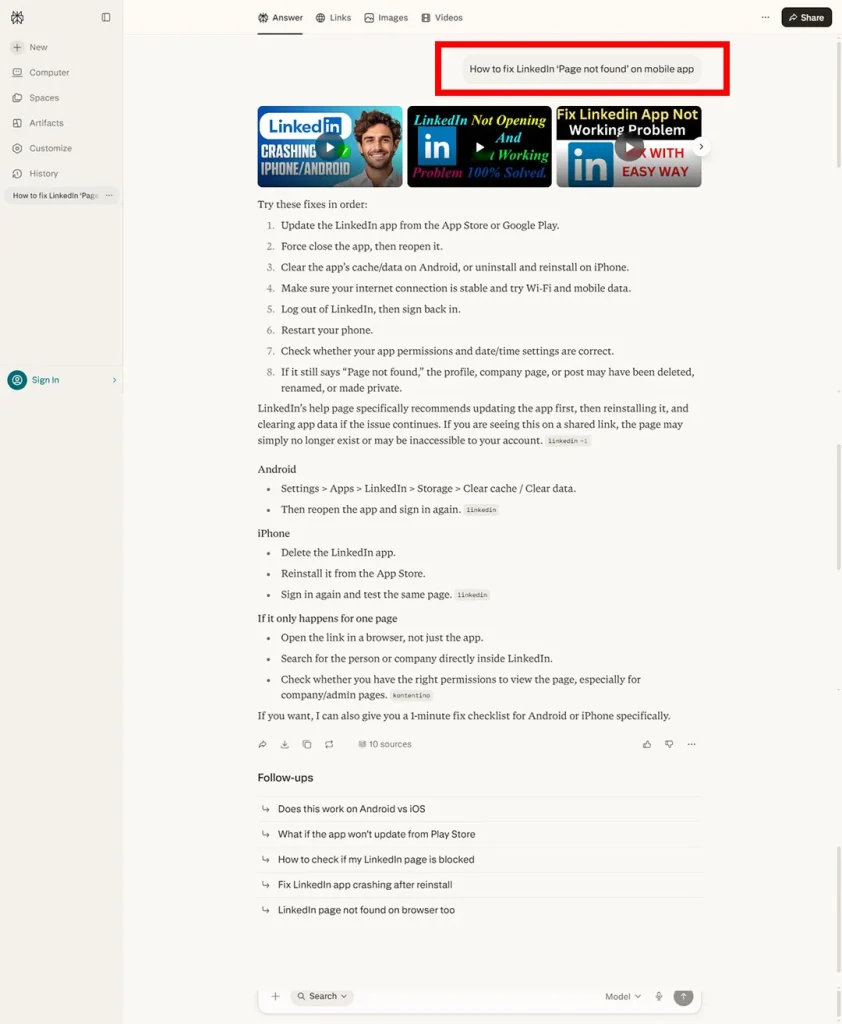
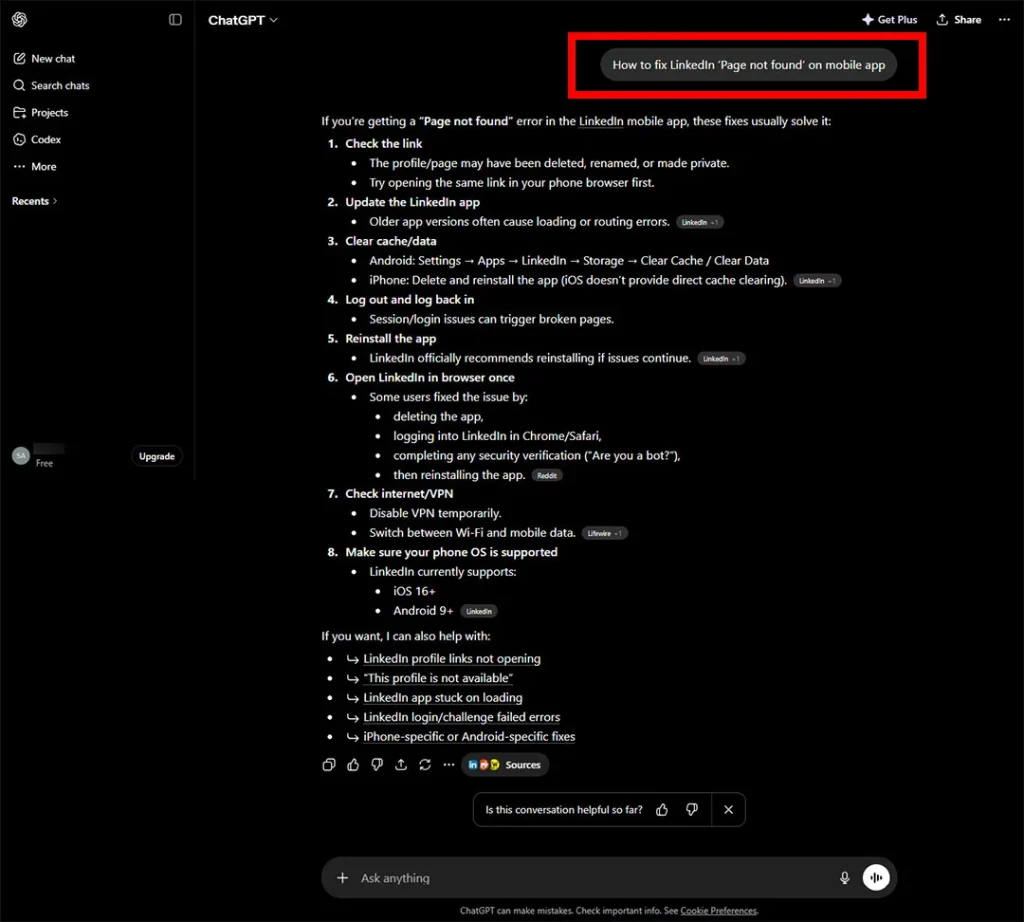
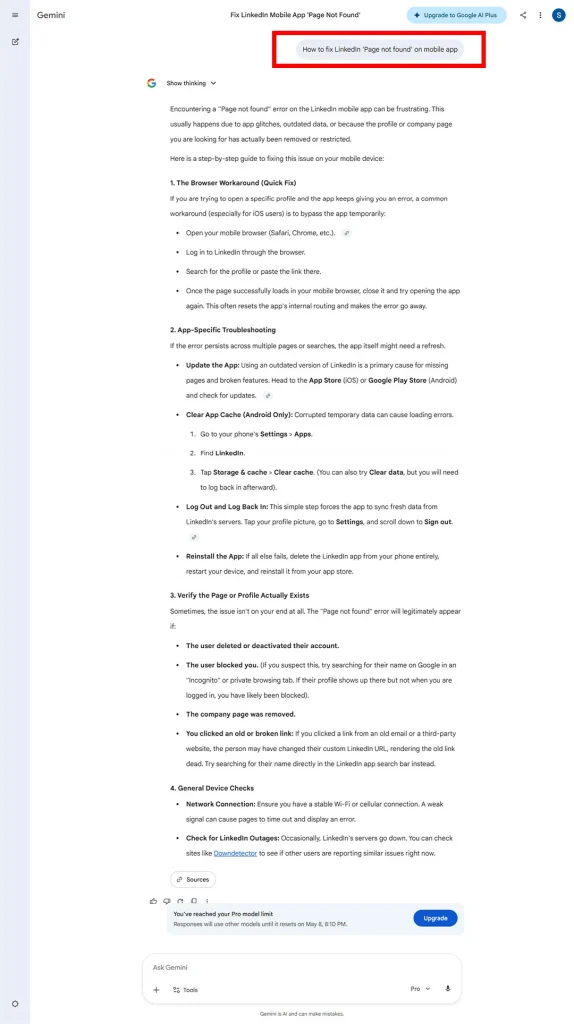
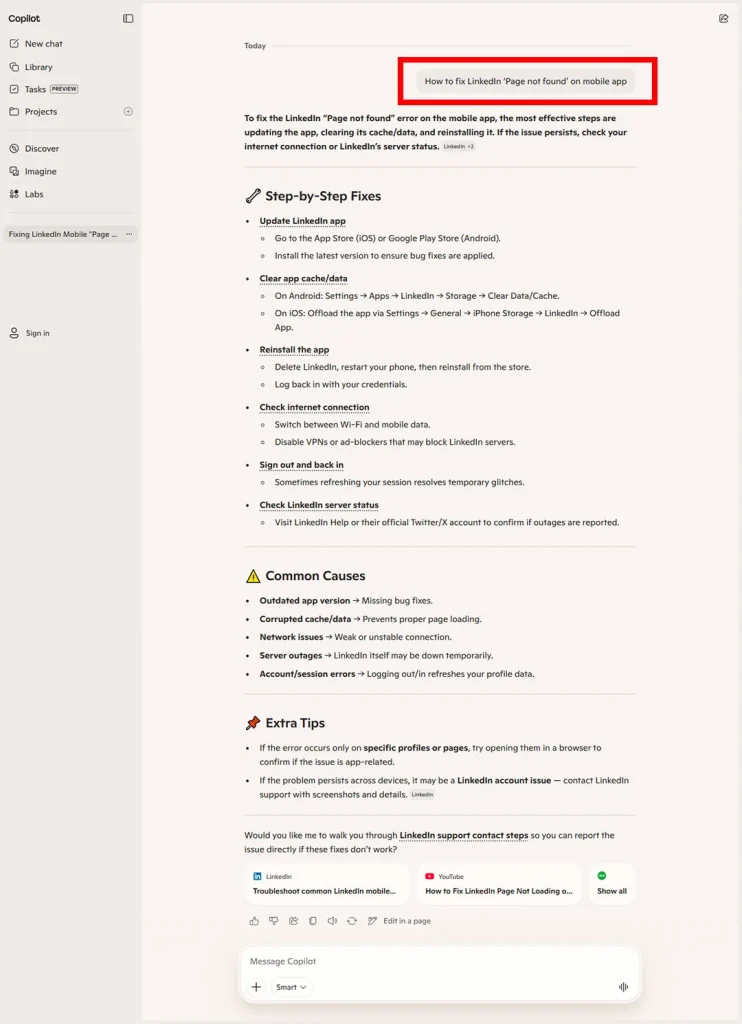
Frankly speaking, if all the steps don’t work for you, there is a high possibility that your account is BLOCKED.
Either temporarily or permanently.
Based on my research, this usually happens because of too many login attempts.
It can also happen if you try to log in from a different device, such as another laptop, phone, or tablet.
If your LinkedIn account is blocked because of multiple login attempts or a new device login, it is usually a security measure to protect your account.
The fastest way to recover your account is to complete the verification steps shown on your screen.
When you try to log in, LinkedIn may ask you to verify your identity.
If the verification option is not showing or not working, contact LinkedIn Support directly.
“Login/Password Issue” → “Account Restricted”
Sometimes LinkedIn may ask you to scan your ID using an NFC-supported phone.
If your phone does not support NFC, you may need to use another phone to complete the verification.
Note: The verification process may take a few days. Also, avoid creating a new LinkedIn account while your current account is restricted, because this can lead to a permanent restriction.
Read | Instagram Scheduled Reel Not Publishing: 5 Proven Fixes