Physical Address
304 North Cardinal St.
Dorchester Center, MA 02124
Physical Address
304 North Cardinal St.
Dorchester Center, MA 02124

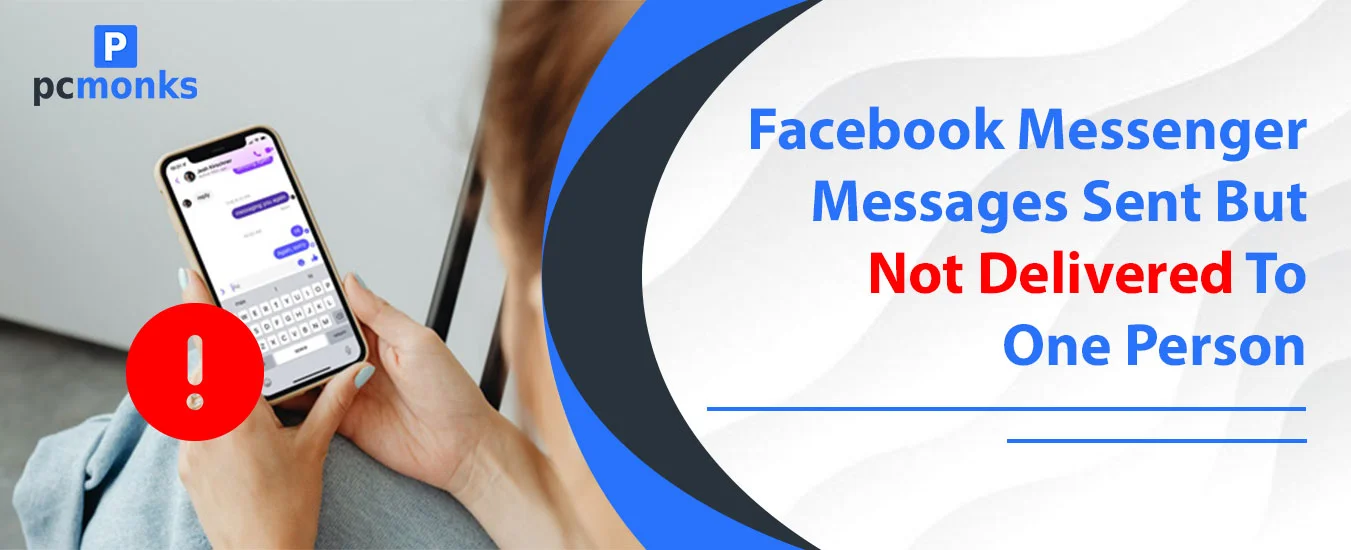
Suppose you send a message to someone on Facebook, but it’s not showing as delivered. Instead, a sent icon under the message is displayed, which may raise several doubts. You might think that the person has blocked you, has left Messenger, or so much more. However, in reality, if a Messenger message is sent but not delivered to one person, that might be due to multiple reasons. I have faced the same when I texted one of my friends, but the message was not seen or showed “Sent” underneath. I tried finding many ways through this and have discovered something interesting which I want to share with you.
Here is something we as Messenger users must understand. Messenger shows different icons under the message you send to someone. Either it will show “Sent” or “Delivered” at the bottom of the particular message.
Now, let’s understand what each means:
A hollow blue circle with a white checkmark means your message left your device and reached Meta’s servers. That’s it. It has not reached the other person yet.
A filled (solid) blue circle with a white checkmark means Messenger successfully pushed the message to the recipient’s device or account. This is where you are stuck and thus finding why your message is not sent yet on Messenger.
Note: This is another indication where you can find if the recipient has seen your messages. If so, it will show as “Seen” under the last message you have sent.
If you need help turning your personal Facebook Account into a professional one, you can explore our dedicated guide.
Explore these reasons why you messenger message is not delivering
If you notice a prolonged sent status under your message on Messenger, that may be an indication that the person has blocked you. While not necessary, you can confirm this action by checking the “This person is unavailable on Messenger” tag at the top of the particular chat. In such a case, your message will never be seen.
Indicators you’re blocked on Messenger:
Chances are that they have moved your messages to the message requests folder. In such a case, you cannot identify if the person has seen your messages during the restrict phase. That feature is absolutely annoying for the sender, because they get no idea. If they use Ignore, your messages go to a hidden requests folder they may never check.
The recipient is offline. Maybe they have put their device on airplane mode, have not connected the device to the internet, or for other reasons they are not available.
Once they come back online — even hours later — the status updates to “delivered” automatically.
Suppose the recipient has deactivated their Facebook account; your messages are not ignored but are queued, which the recipient will see after he reactivates the account. To recognise account deactivation, check if your message is labelled as delivered after some time.
Facebook may be facing an outage at the time of messaging. As a result, all the services are put on hold, and so is Messenger. You cannot expect others to see your messages because the entire service is down at the moment.
Ensure the outage is real by visiting Downdetector or Meta’s official status page.
Although you have sent the message, it may be that it’s a mismatch of your app’s version that’s not showing they have seen your messages. So, you must update the app by visiting the app store (Google Play Store or Apple Store). Just find the app and tap on ‘Update.’ Open the app and check the particular chat now.
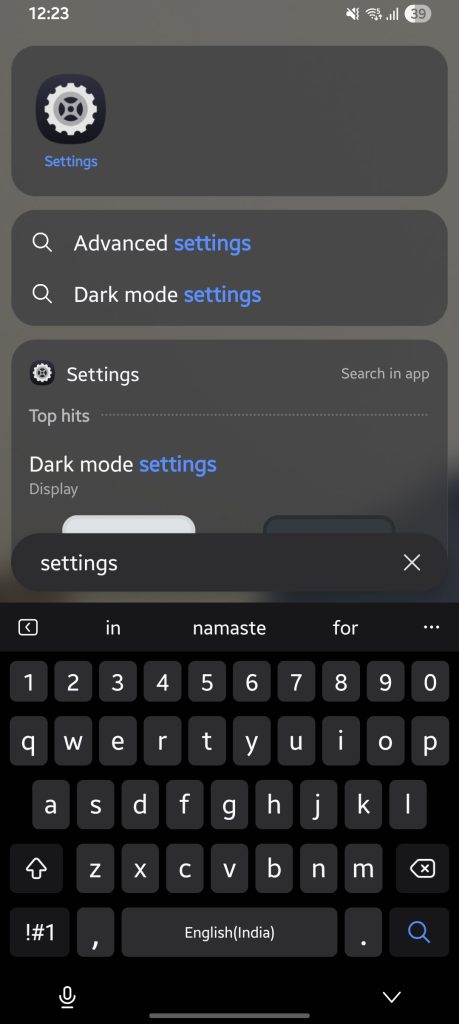
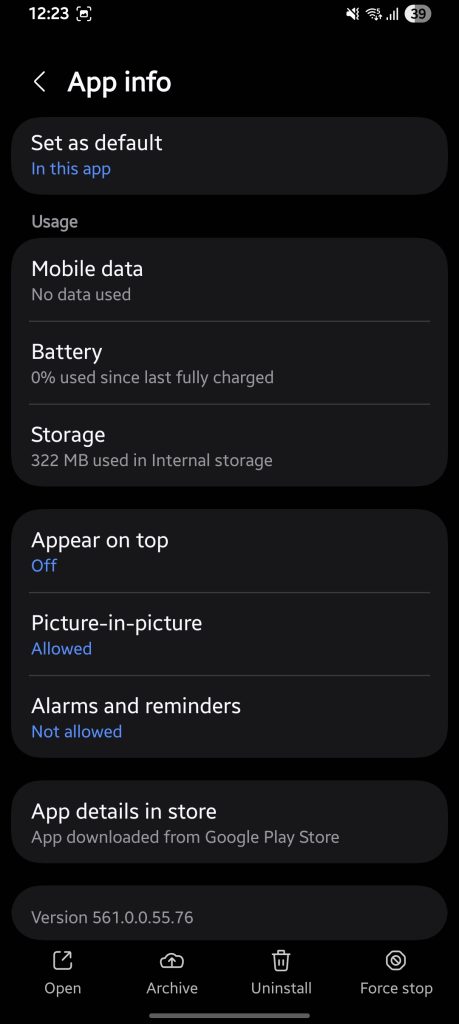
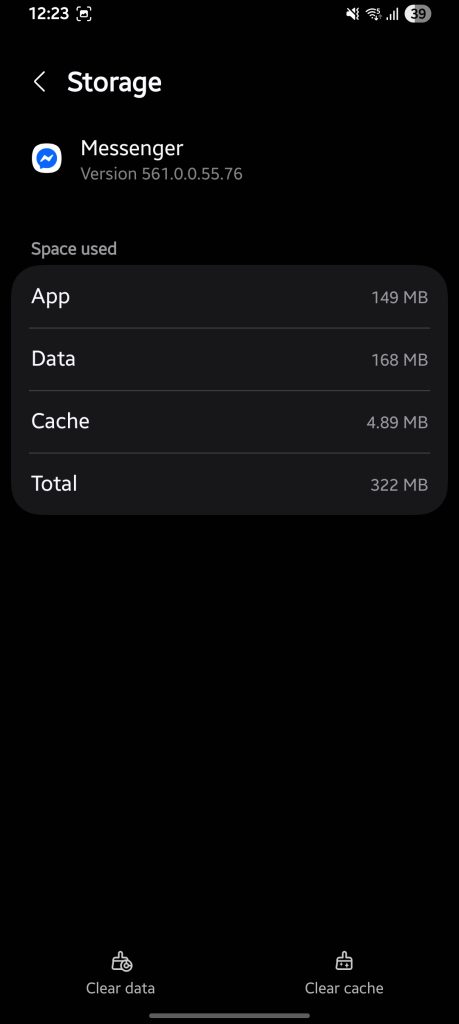
Second, you can try to clear the app’s cache. This action will clean up your app’s unwanted junk holding you back. Doing it is absolutely easy and quick; you need to follow a few steps only.
Go to Settings
Find Apps
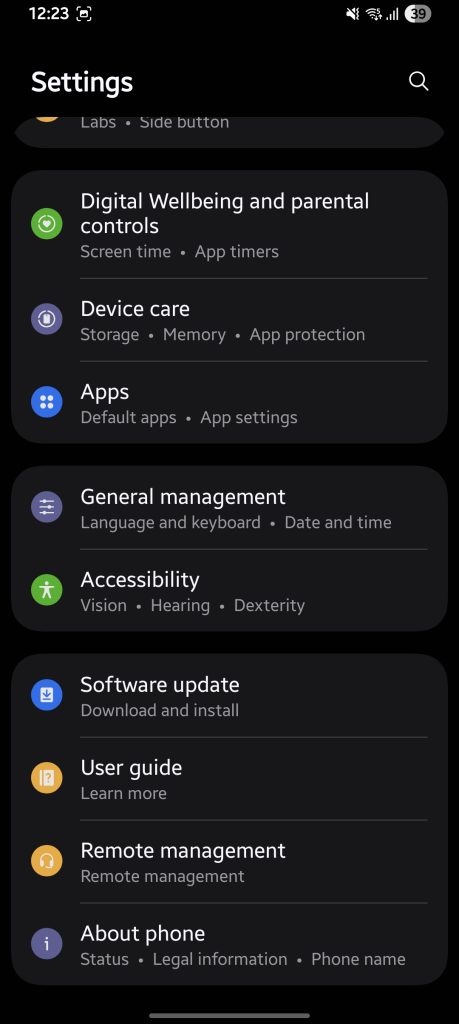
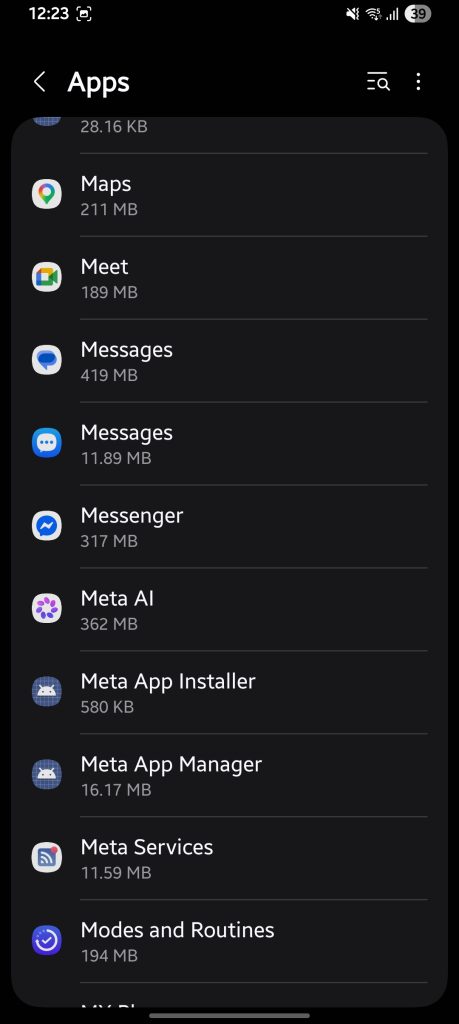
Tap Storage
Yes, someone might just have blocked you on Messenger, and that is why your messages are not seen. You can confirm this using different mediums:
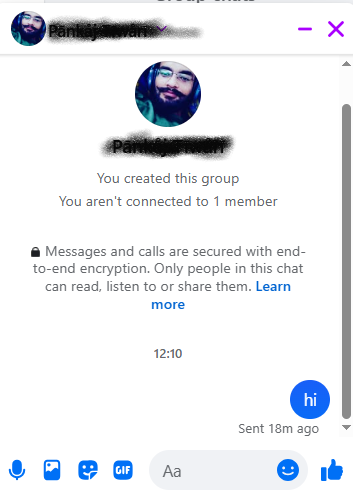
You can start using Messenger on a browser by visiting messenger.com. Here, you can use the app without a restriction which you were facing on the app. All you need to do is visit the official Messenger profile, log in with your Facebook account details, and then visit the person’s profile. There you can check the profile and try to send a message.
You can check the current Messenger server outage to be sure your Messenger is not working.
These signs can help you figure out if you’re blocked on Messenger or not:
You can try out the following fixes for your Facebook Messenger Delivery problems:
The most common reasons are that the recipient is offline, their account is deactivated, they’ve restricted your chat, or there’s a temporary app/server issue. Being blocked is possible too.
Not necessarily. If messages eventually deliver after a few hours, you were not blocked — the person was simply offline. Permanent “sent” status combined with failed calls is a stronger indicator of a block.
Messenger holds messages on Meta’s servers until the recipient comes back online or the account is reactivated. There’s no automatic expiry in 2026.
Yes. When someone restricts you, your message goes to their Message Requests folder and you don’t receive a delivered confirmation unless they accept the request.
The messages are queued on Meta’s servers but are not delivered until the account is reactivated. Once they come back, you may suddenly see your messages flip to “delivered.”
That’s the key clue that it’s account- or relationship-specific, not a general app problem. The most likely causes in that case are: they’ve restricted you, they’ve blocked you, or their specific device/account has an issue.
Absolutely. App cache corruption, outdated app versions, and session errors can all cause delivery to appear stuck. Clearing cache or reinstalling usually resolves these within minutes.
Yes. This is one of the most important things to know. If someone was offline and you messaged them, their status will update to “delivered” the moment they reconnect — automatically, without any action needed from you.