Physical Address
304 North Cardinal St.
Dorchester Center, MA 02124
Physical Address
304 North Cardinal St.
Dorchester Center, MA 02124
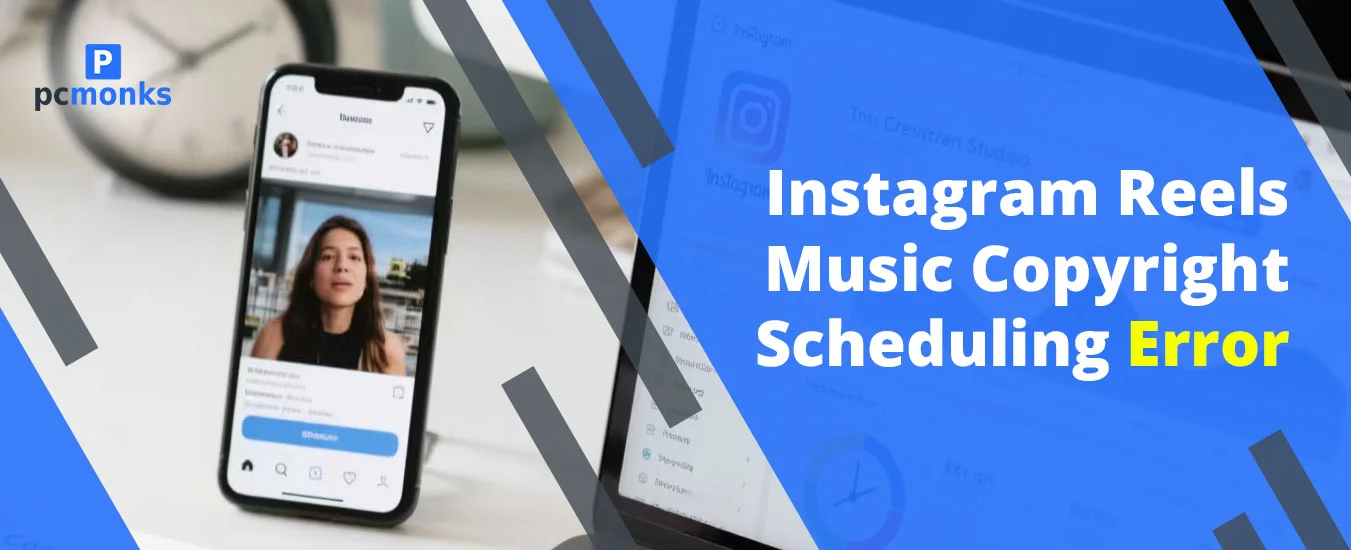
Stop scrolling if you are scheduling your Instagram reels with the latest trendy audios. In addition, if you are a business account holder, you need to stop and think, as in 2026, this approach will also fail for this copyright trap. None of these strategies will work. Instead, what you need to do is use original or authorized audio clips. Plus, make sure to schedule your Instagram reels with the help of the Meta Business Suite. By doing so, it instantly detects which content is being copyrighted.
Just go through this blog and understand each reason along with the fixes for the future.
| Objective | Recommended Tool/Action |
| Safest Scheduling | Go with Instagram’s native in-app scheduler. |
| Bulk Management | Meta Business Suite provides you with automated copyright checks so that you don’t need to worry at all. |
| Avoid Licensing Bans | Switch to a Creator or a Personal Account |
| Originality Bonus | Use AI-generated music (e.g., Beatoven.ai). |
Just suppose one hypothetical scenario where you have scheduled one reel so that it will automatically be published in the future. Whether you have chosen Meta Business Suite or any third-party social media management tools, Instagram has removed or chosen video. Moreover, it can also happen that it has blocked your post because this music is only available for live or personal videos. However, you are not allowed to utilize it for automatic, robot-pasting, scheduled, or tech-driven purposes.
In fact, Instagram uses an AI detection system that lets it know which content is copyrighted. Plus, you will get to know the target audience of Instagram users, who love to hear transparency.
What Does the Error Mean for Your Content?
Check out these reasons that will help you to determine on the Instagram app, or you can do one thing.
These are the common reasons that will give you an idea of why this error actually occurs.
Now, it’s time to dive into the troubleshooting solutions that you are actually looking for.
It is highly recommended that you should schedule your Instagram reels directly within your app, rather than using any third-party social media management tools. As a result, it helps IG to easily recognize the actual and original voice license.
To do so, go through these walk-arounds.
Note! Here, we’re choosing Reel to schedule for the future.
With the above workarounds, you can also see your scheduled reels on your Instagram account.
Whenever you schedule your reels on Instagram, always remember to add music manually when the time period has come. Or, simply, you can edit the song; even if you uploaded the song once, you need to change it immediately if you want to protect your post from being blocked.
You just need to choose the audio from the Instagram collection. In addition, it will be highlighted as safe, or simply use the licensed or authorized tracks.
If you are having a professional or business account, you should convert it into a personal or creator account. By doing so, you will be able to get access to broader, non-licensed audio tracks. However, just keep one thing in your mind that this approach won’t be to solve any Instagram API scheduling problems.
These are some expert-driven tips that may help you.
Go through these most common questions that clearly describe the Instagram reels music copyright scheduling error.
Ans. Here are some common reasons behind this to know why Instagram doesn’t allow it.
Ans. You can simply fix this error by removing your scheduled post. After that, you need to upload it manually and add a song by using the Instagram Music Library.
Ans. We have listed down some preventive steps that can help you out.
Ans. Follow these steps to do so.
Ans. Some instructions are highlighted below for you.
Note! If you find that your video has been deleted unfairly, just submit a counter-notification.
Ans. Keep these highlighted points in your mind very clearly.