Physical Address
304 North Cardinal St.
Dorchester Center, MA 02124
Physical Address
304 North Cardinal St.
Dorchester Center, MA 02124

The easiest way to share an Instagram Reel on WhatsApp Status without sending a link is to download the Reel and upload the saved video from your gallery. You can also try Instagram’s separate WhatsApp Status option. I used it on my Android phone, and it was quick, but a “View on Instagram” link still appeared with the video.
This guide covers both Reel-sharing methods, why the Download button is missing on some Reels, and what to do when the sound disappears.
Save the Reel to your phone, then add that saved file as a new WhatsApp Status. The regular WhatsApp icon in Instagram’s Share menu usually sends the Reel’s web address, not the video file. A downloaded Reel is a normal video file, so WhatsApp uploads it directly instead of sharing a link.
If the Reel is yours and you still have the original video on your phone, upload that original file instead.
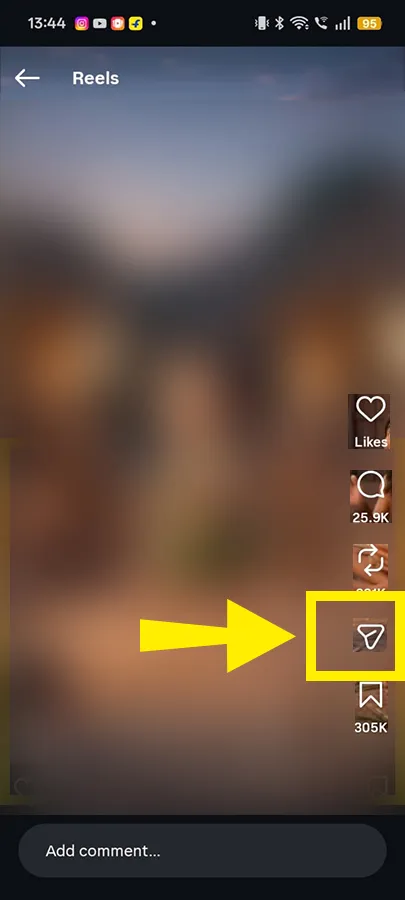
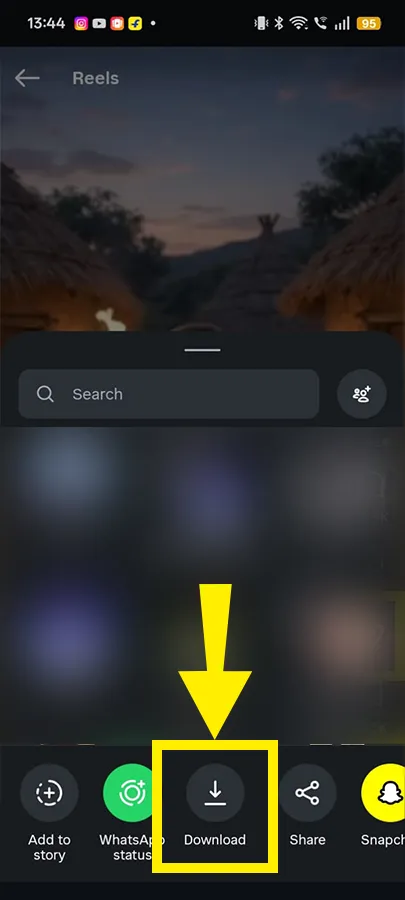
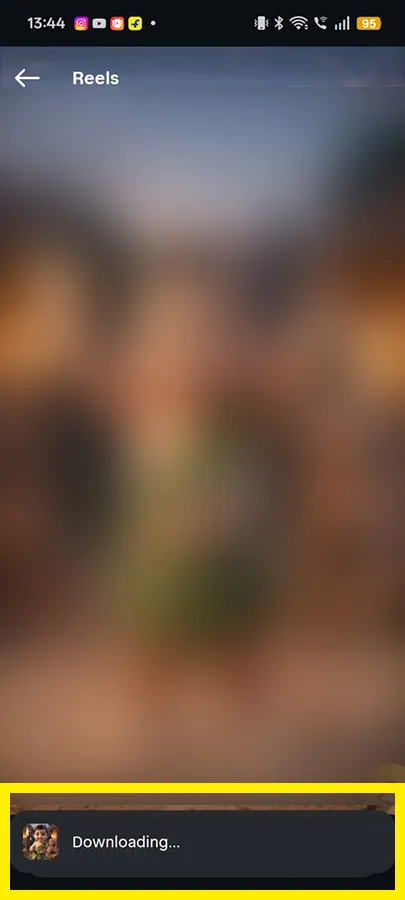
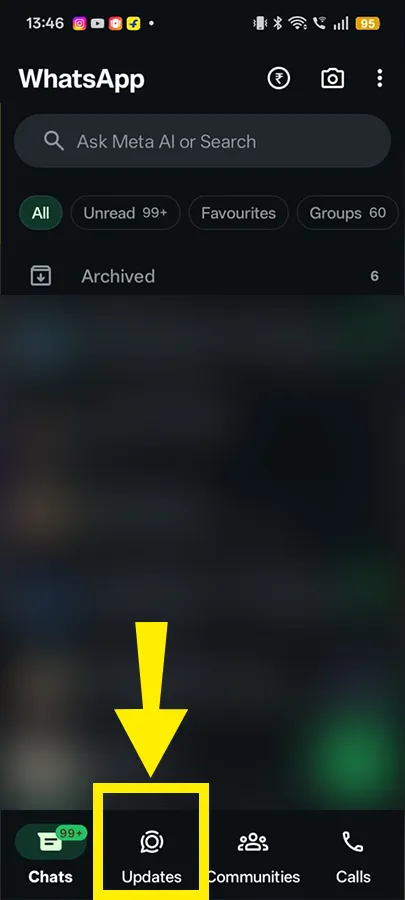
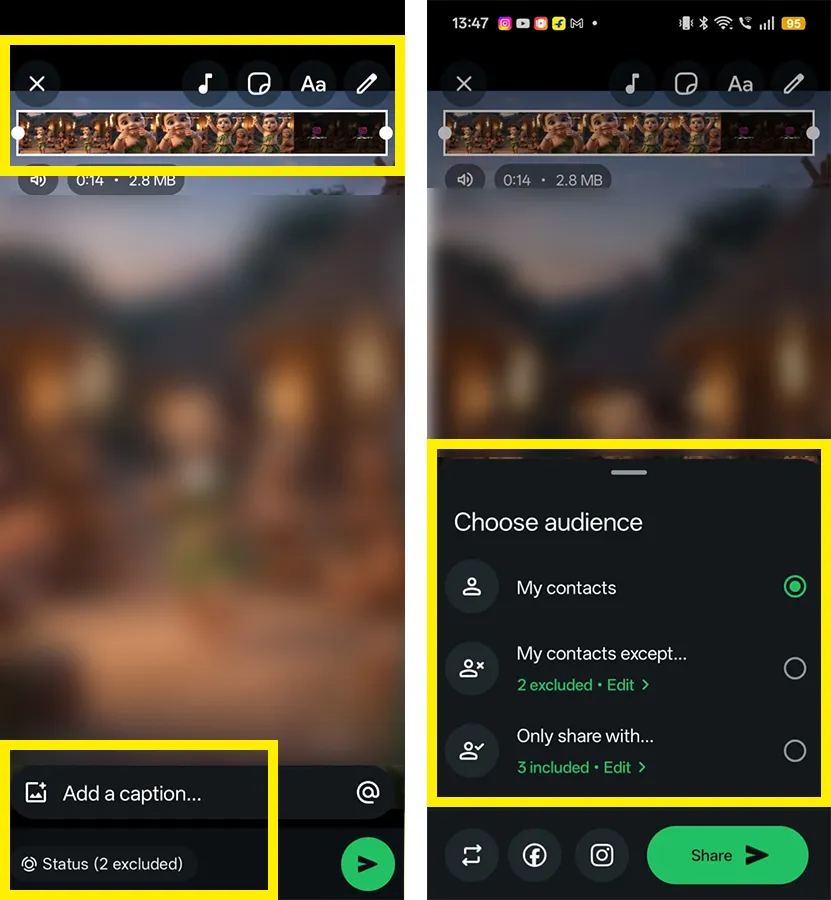
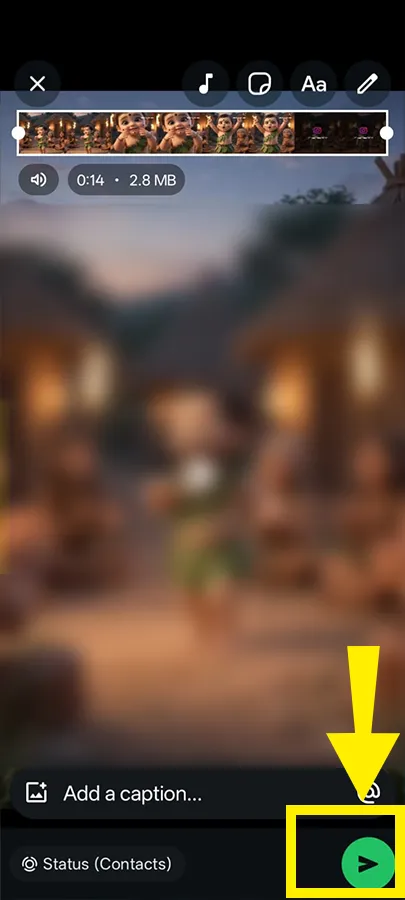
Menu labels vary by phone and app version. WhatsApp’s Status instructions explain how to choose a file from your device and share it.
Can’t find the downloaded video? Check Photos, Gallery, and Downloads, then sort by the newest files. On my Realme 12 Plus, Instagram saved Reels into a separate folder, and I almost downloaded the same Reel twice before I found it. On iPhone, if the video appears in Photos but not in WhatsApp’s picker, check WhatsApp’s photo access permission in Settings.
Can’t find the Reel itself? See our guide to finding an Instagram Reel you watched but didn’t save.
The creator’s account settings decide whether a Reel can be downloaded, not your account settings. Instagram’s Help Center lists the main rules:
My experience: My own Instagram account is private, but I could still download some Reels while others had no Download button. What matters is the privacy and download setting of the account that posted the Reel, not whether your own account is private.
Instagram also states that downloaded Reels include an Instagram watermark with the creator’s username and audio credit. So “no link” does not mean “no watermark.” Downloaded Reels also cannot be used for commercial purposes, so ask the creator first if you run a business account.
Yes, if your account shows a separate “WhatsApp Status” option in Instagram’s Share menu. It appeared on my Realme 12 Plus and was faster than downloading the Reel first. Availability differs between accounts, so you may not see it yet.
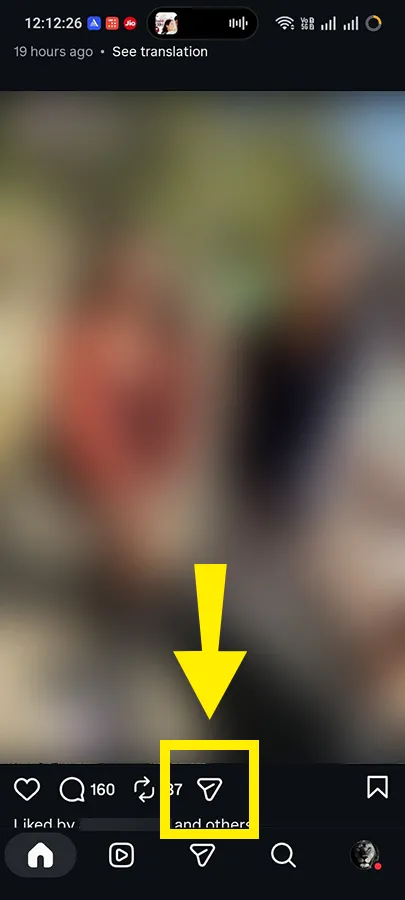
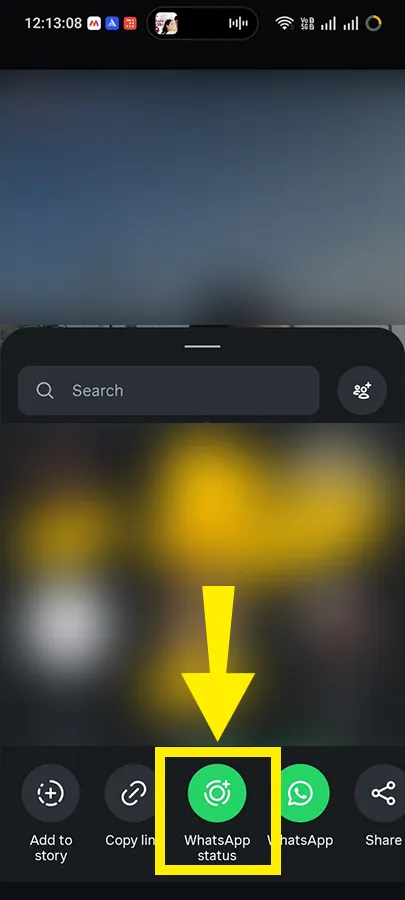
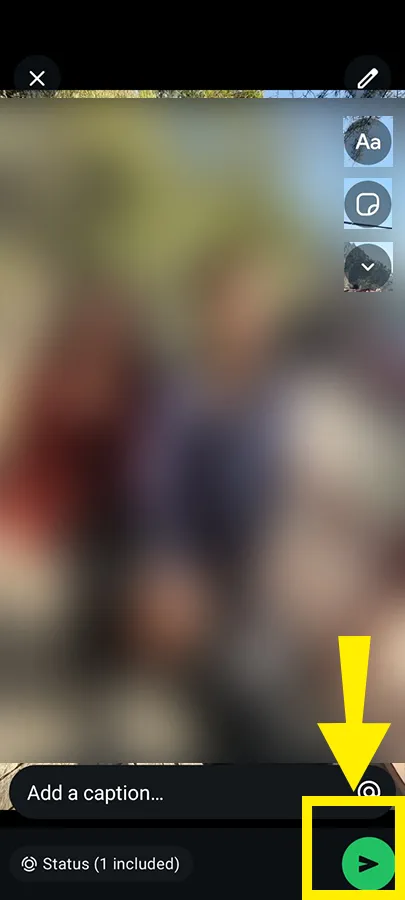
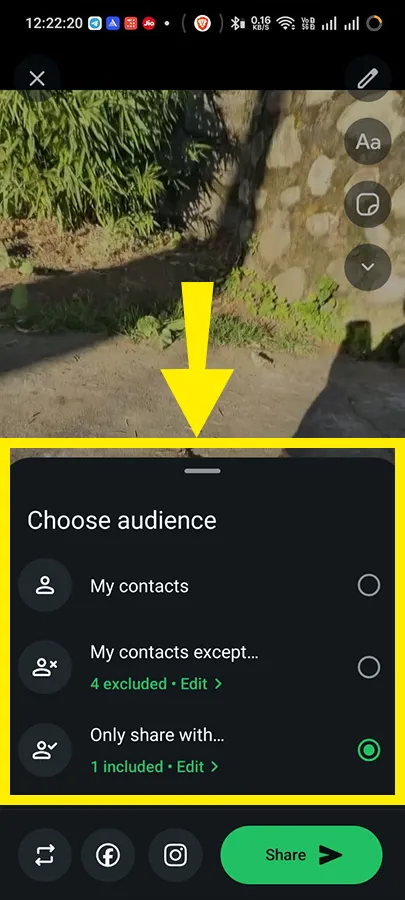
Note: In my test, no audio warning appeared when the sound was part of the original video rather than music added separately through Instagram.
A 2025 walkthrough from Condia documented this option when it rolled out, and its steps required sharing without audio. Do not assume every Reel will keep its original soundtrack.
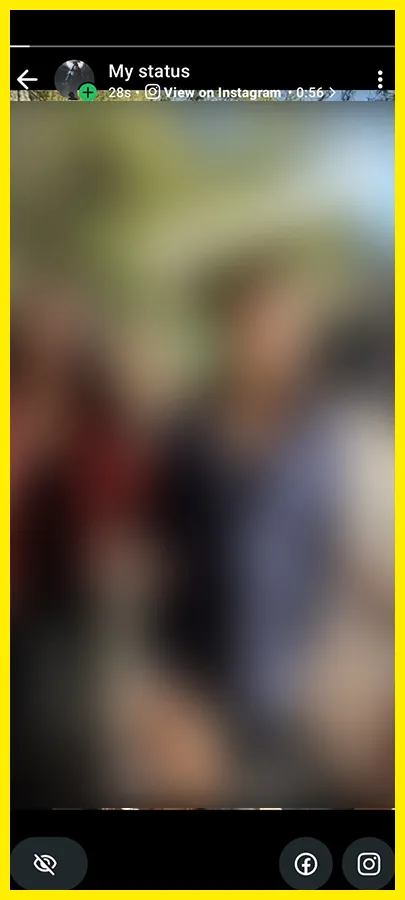
What viewers see: After I posted, the Reel played on my WhatsApp Status with a “View on Instagram” link near the top. When I swiped up on the posted Status, the same link appeared there too. Your layout may differ.
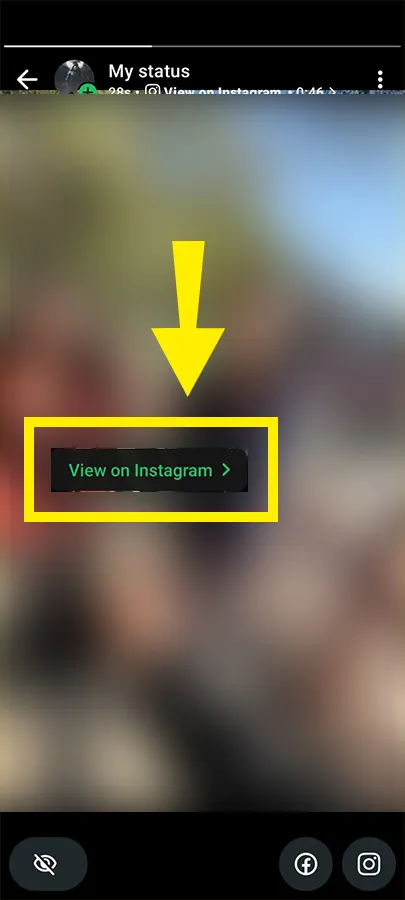
If you want no Instagram link at all, use the download-and-upload method instead.
If you do not see the option, update Instagram and WhatsApp and check the Share menu again. Updating does not guarantee the option will appear. Also, “Reshare” on Reels is a different feature. See our explainer on what reshare means on Instagram Reels.
Sharing an Instagram Story instead? Use our separate guide to sharing an Instagram Story to WhatsApp Status without a link.
Licensed music often does not survive the download. NewsBytes reported that Reels using licensed audio can download silently, while Reels with original audio may keep their sound.
If the saved file is already silent, uploading it to WhatsApp will not restore the missing soundtrack. Play the file in your gallery before posting.
Your options are simple:
WhatsApp’s music library contains licensed tracks, so you cannot upload your own song, and the song used in the original Reel may not be available. Adding music in WhatsApp replaces the missing soundtrack. It does not recover it.
Check the trim bar after selecting the video. Many accounts can post Status videos up to 60 seconds, while WhatsApp has been rolling out a 90-second limit in stages, as WABetaInfo tracked.
If your Reel is longer than your account allows, split it into shorter clips and post them in order. Cut at the end of a sentence or scene so the break feels natural.
Only as a fallback, and only for Reels you own or have permission to repost. A missing Download button is usually the creator’s choice, and being able to watch a Reel does not give you permission to repost it.
Blurry video usually comes from screen recording, re-exporting, or repeated compression. Use Instagram’s Download option rather than a screen recording when it is available, and avoid passing the file through apps that compress it again.
If the upload fails, check the file, permissions, connection, and app. Try these in order:
| Method | Best for | What to check |
|---|---|---|
| Download and upload | Sharing the video without a clickable Instagram link | Download availability, saved audio, and watermark |
| WhatsApp Status option | A quicker sharing route when available | Audio and the “View on Instagram” link |
| Screen recording with permission | A fallback when Download is blocked | Picture quality and captured audio |
Download the Reel and upload the saved file through WhatsApp’s Updates tab if you want to avoid a clickable Instagram link. If you prefer speed and do not mind the “View on Instagram” attribution, try Instagram’s WhatsApp Status option when it is available.
Before posting either way, play the video to check the sound, confirm the length, and set your audience in WhatsApp’s privacy settings. Changing the setting later does not change who already saw a Status you posted.
Share your own Reels or Reels you have permission to repost. Credit is not a substitute for permission. An available Download button does not grant unlimited reuse rights.
Not by downloading it. Instagram does not allow downloads from private accounts. A link to that Reel also will not open for people who are not approved to view the account.
That is the watermark Instagram adds to downloaded Reels. It includes the creator’s username and audio credit, and it remains in the saved video.
No. Instagram says copies already saved to someone’s device are not affected when you change your download settings. The change applies to future downloads.
If you have the original video on your phone, upload that file directly. A draft saved from Instagram may come out without audio, so check it first. You do not need to publish the Reel just to share the saved file.