Physical Address
304 North Cardinal St.
Dorchester Center, MA 02124
Physical Address
304 North Cardinal St.
Dorchester Center, MA 02124


Instagram had already released the Notes feature in December 2022. They have the main motive of sharing short emojis or texts up to 60 characters. Moreover, this feature is similar to stories, as they are also deleted after 24 hours. However, there is one limitation that you are not allowed to add any pictures, videos, or a link to your Notes. This enjoyable feature is very famous among the youth, and they want to know where it is exactly located and how they can easily create it.
So, if you are also one of those who want to know about it in detail, check out this detailed blog.
You will be able to access this Instagram Notes feature at the top of your DM page. To navigate it, follow the instructions below.
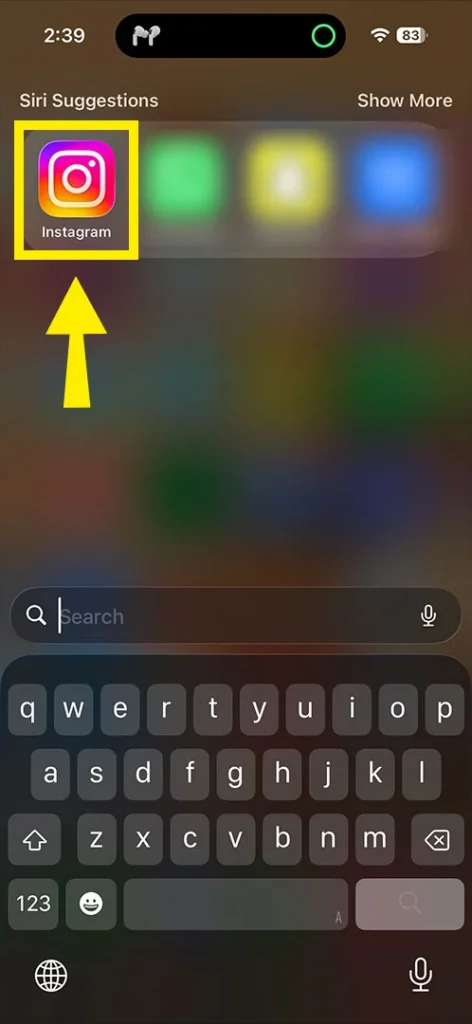
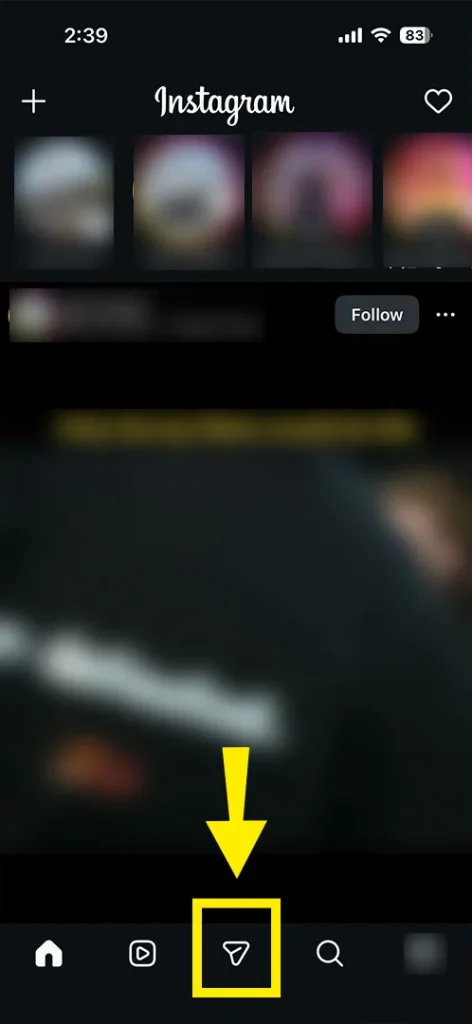
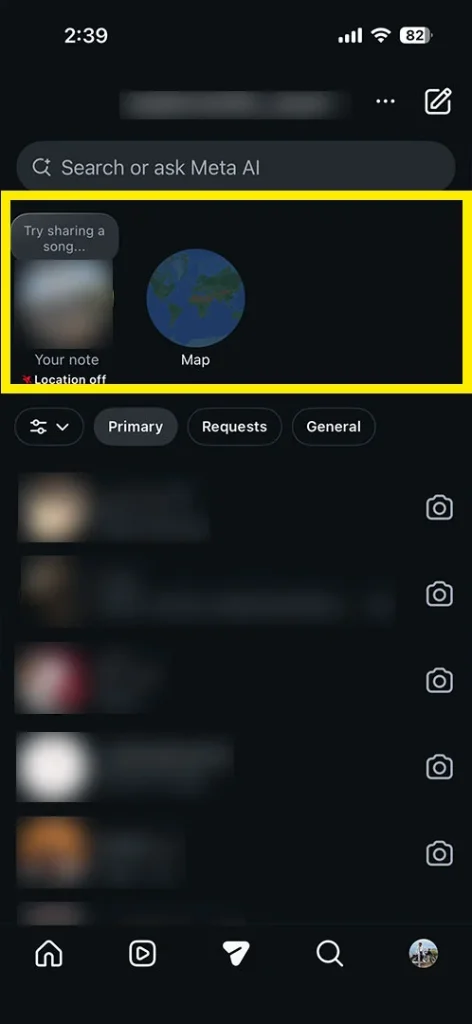
If you want to create one, we are going to list the instructions for you!
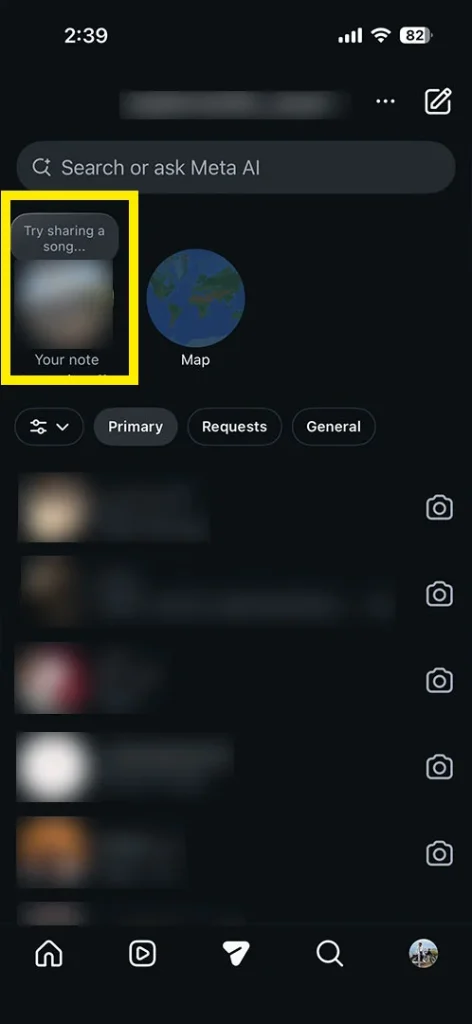
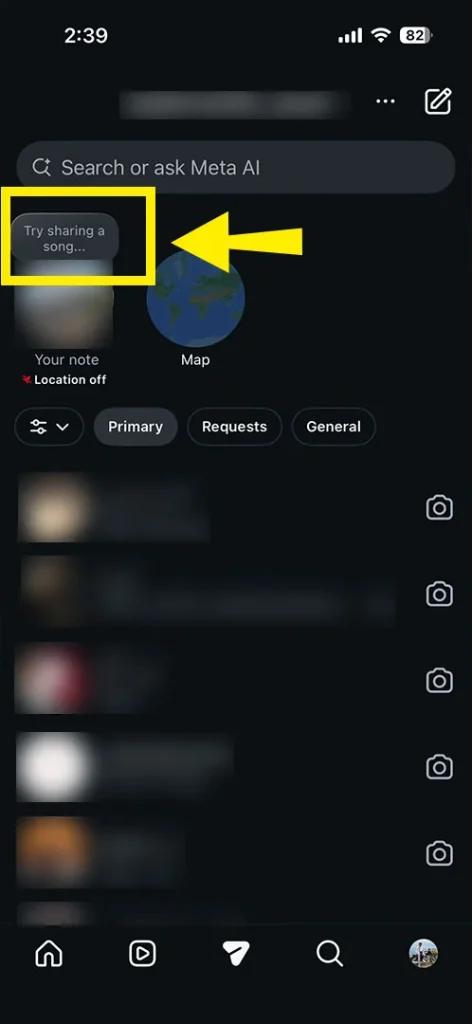
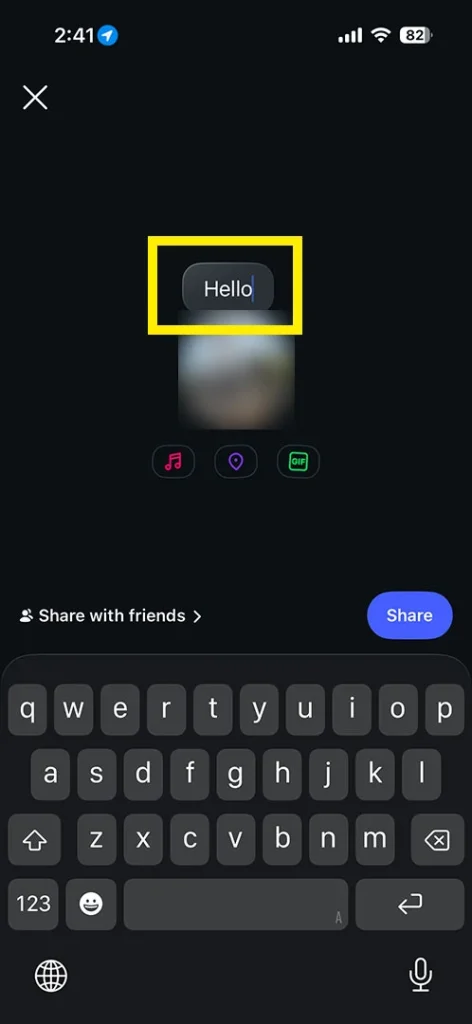
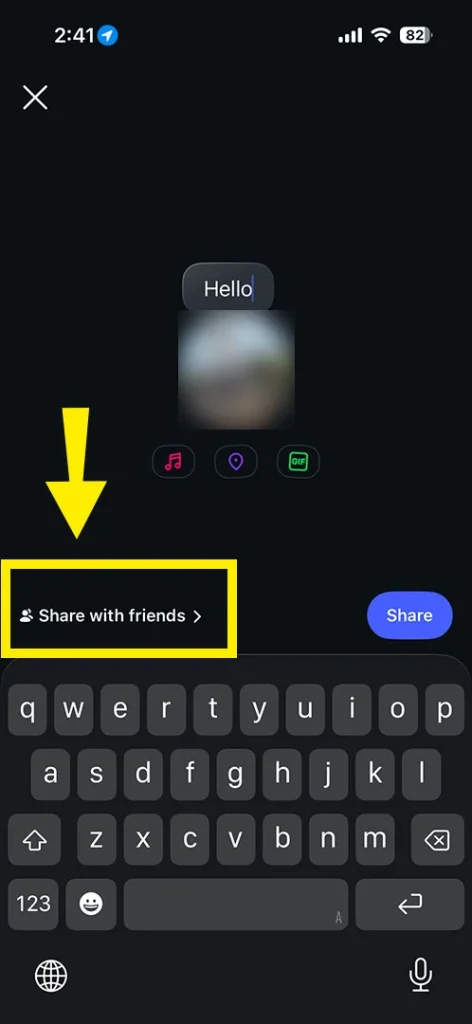
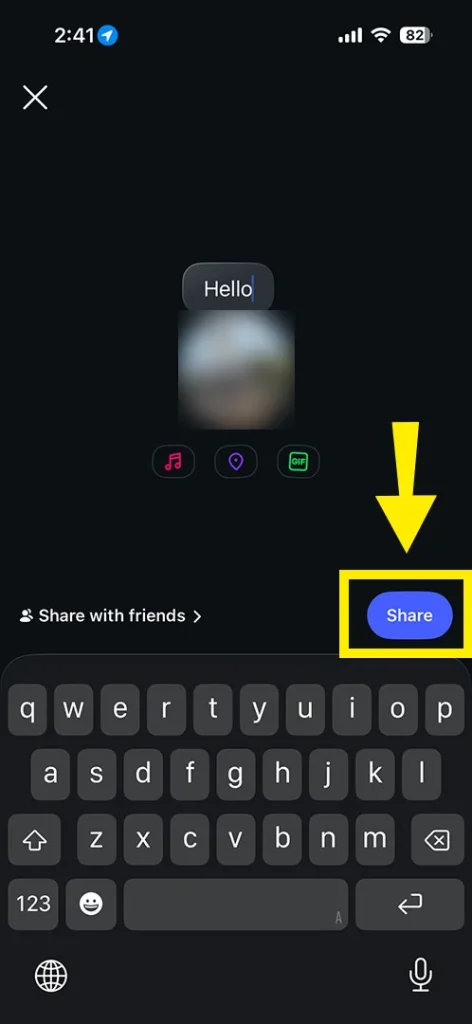
That’s it! You have smoothly found out where this Instagram Notes feature has been located.
Note! Instagram allows you to create a single note at the same time.
Check out these important features of the Instagram Notes feature. By reading this, you can easily get an idea of where this is located.
| Category | Details |
| Location in App | This feature is accessible in the Direct Messages (DMs) tab, at the top of your page under “Your Note.” |
| Content Types | You can easily add:
|
| Visibility | It is shown to your followers who you follow back or your close friends, but it totally depends on your Settings. |
| Duration | Each note only lasts for 24 hours, which is similar to your Instagram Stories. |
| Interaction | Followers can easily reply to your added Notes, and they will appear in your DM. |
| Latest Update | Instagram lets you add your location and GIFs, which will be visible above the text, just like your Music. |
| Privacy Controls | Location Sharing is turned off by default. You have an option to enable it and share it with your Close Friends, Selected Friends, Friends, or No one. |
| Purpose | You can share
|
| Limitations | Notes are capped at 60 characters, temporary, and not visible publicly outside your selected audience. |
Here, let us define for you what you can’t include in the Notes tab.
There are key visibility settings to protect your Instagram notes easily.
Important Points to Be Considered!
What you need to do is:
There are some reasons behind it:
Our experts have specially collected additional questions on the Instagram Notes feature. So, you just need to read and gain a deep understanding.
Ans. You just need to check your direct messages section on your Instagram. However, this feature was automatically enabled for most users when it was officially released.
Ans. Instagram has removed the Content Notes feature from reels and feed posts. This action was taken on 3rd April because there was a low user adoption. Moreover, it was removed with the main purpose of reducing app clutter.
Ans. You can try the following things:
Ans. NO! Instagram didn’t ban the Notes feature completely. However, users can still access it in their direct messages (DM) section. This feature is not accessible for your post feeds and Reels.
Ans. Unfortunately, no! Instagram will not bring back notes, specifically for reels and post feeds. They have removed those features that were underperforming, as said by Instagram Head Adam Mosseri.
Ans. If you have deleted those notes on your Instagram, it is not possible to directly restore them. However, you can recover by downloading your data or resolving app temporary glitches by reinstalling it or updating it.
Ans. What you need to do is:





[…] Not sure how Notes work in general? Start here: Instagram Notes: How to Find and Create. […]